Comic, webtoon, storyboard, and visual novel creators.
Open beta for iPad
NarriumStudio Lite
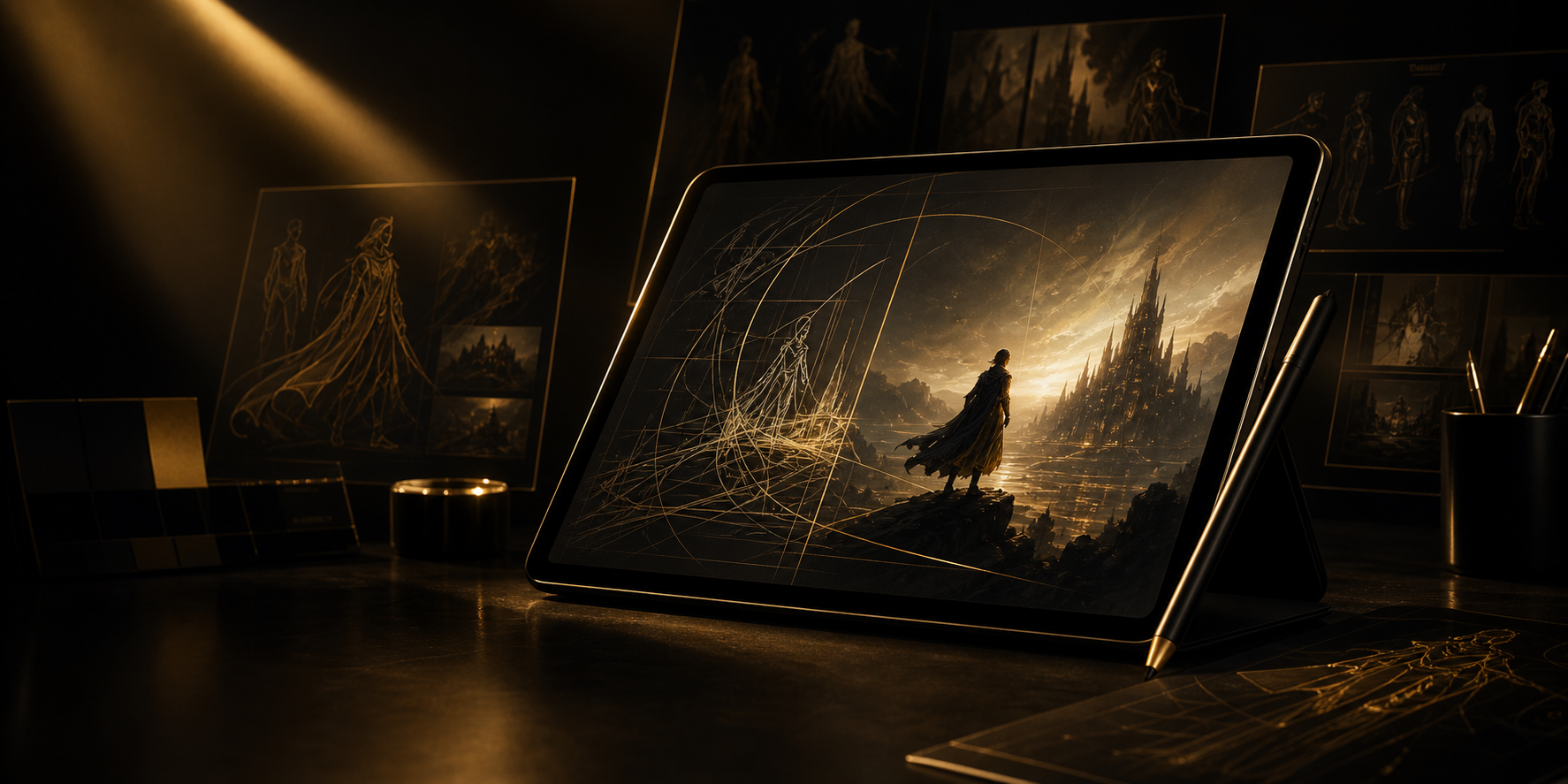
Sketch, annotate, and generate consistent cinematic story images from your own character profiles, references, color notes, and taste.
- Open
- beta on TestFlight
- iPad
- Pencil-first canvas
- Free
- credits to start
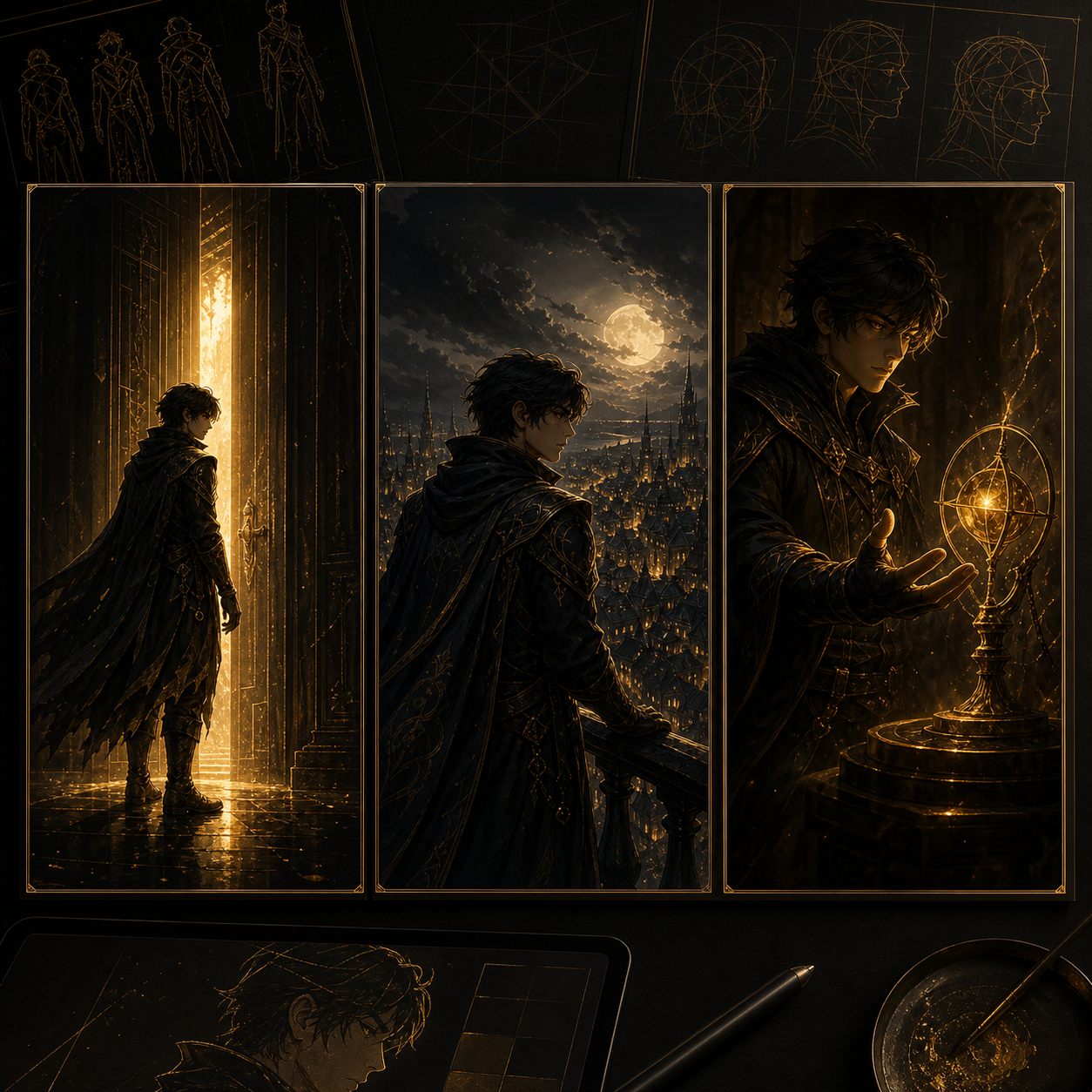
Keep a recurring character coherent across story moments.
Use rough sketches, color notes, and references as creative control.
Anyone can join the beta and start creating right away.
Built for real creative loops
Not a prompt toy. A direction layer for creators.
Start from a sketch
Bring rough lines, references, or a character idea into a canvas that stays close to how visual creators already think.
Keep identity in view
Character DNA keeps the person, mood, and visual intent visible while you explore different scenes and poses.
Export story-ready frames
Move from loose direction to polished preview, story, wide, or HD output without exposing generation keys on device.
Product walkthrough
A launch-ready space for your intro video.
This block is ready for a Loom, YouTube embed, App Store preview, or exported product reel. The copy and chapter list below can stay as structure while anh thay media va script sau.
Product Story Video
90-second overview covering problem, workflow, and first result.
Studio Lite workflow
From rough intent to usable visual draft.
Sketch or import
Drop in a rough frame, reference image, or loose character shape.
Annotate and profile
Add color notes, background direction, and character profiles before Studio Lite finishes the sketch.
Generate and refine
Compare preview layers, regenerate, and steer the result visually.
Export
Save story, wide, mobile, or HD assets for your next pass.
Who it's for
Studio Lite is for creators with characters, stories, and taste.
It's built for people who already make visual worlds and want AI to follow their direction, not replace it.
- Comic, manga, webtoon, or storyboard creators
- Illustrators and character designers
- Writers building visual scenes or pitch frames
- Game and visual novel creators exploring story art
Get the app
Join the Open Beta
Studio Lite is open on TestFlight. Install it and your account is created automatically on first launch — no invite needed.
Want beta updates and tips? Drop your email below — it's the only
field, and you can start on TestFlight without it.
Quick answers
Before you start
Is Studio Lite only for iPad?
Studio Lite is focused on iPad because the canvas, sketching, and Apple Pencil workflow are central to the product.
Do I need to be a professional artist?
No. Studio Lite is best if you already have characters, stories, sketches, or a real visual workflow, but anyone can jump in.
How do I get in?
The open beta is live on TestFlight. Install the app, and it creates your account automatically on first launch.