Human-directed AI Art Production
Từ IP nguồn đến
tác phẩm sẵn sàng phát hành.
Tăng tốc color và remaster bằng AI. Art director vẫn giữ canon, chất lượng và quyết định cuối cùng trong tay.
Original sketch → Color study
Từ nét gốc đến thế giới mới.
7 cặp trang truyện tạo riêng cho demo. Chọn số để xem; ảnh tự chuyển sau 5 giây.
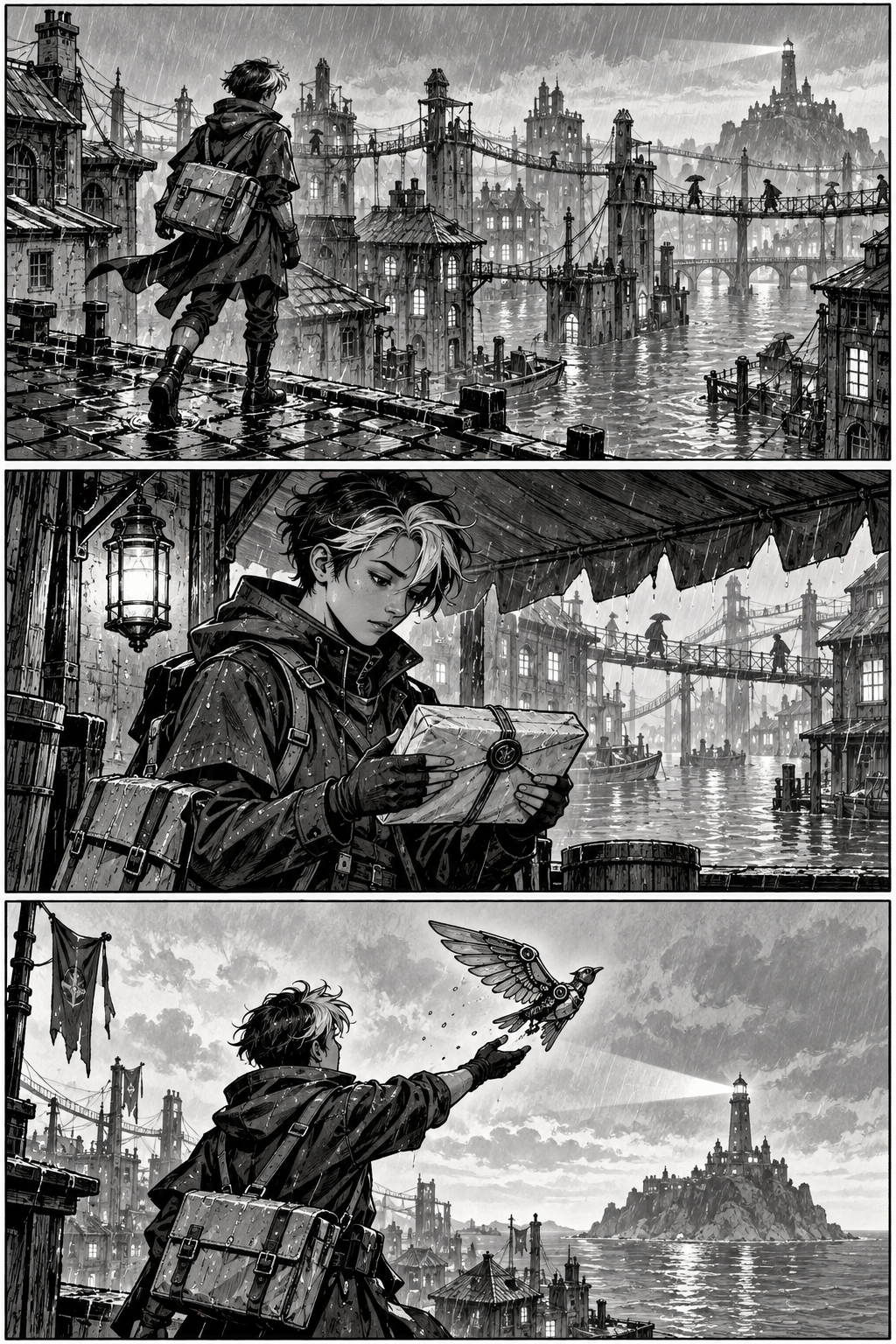
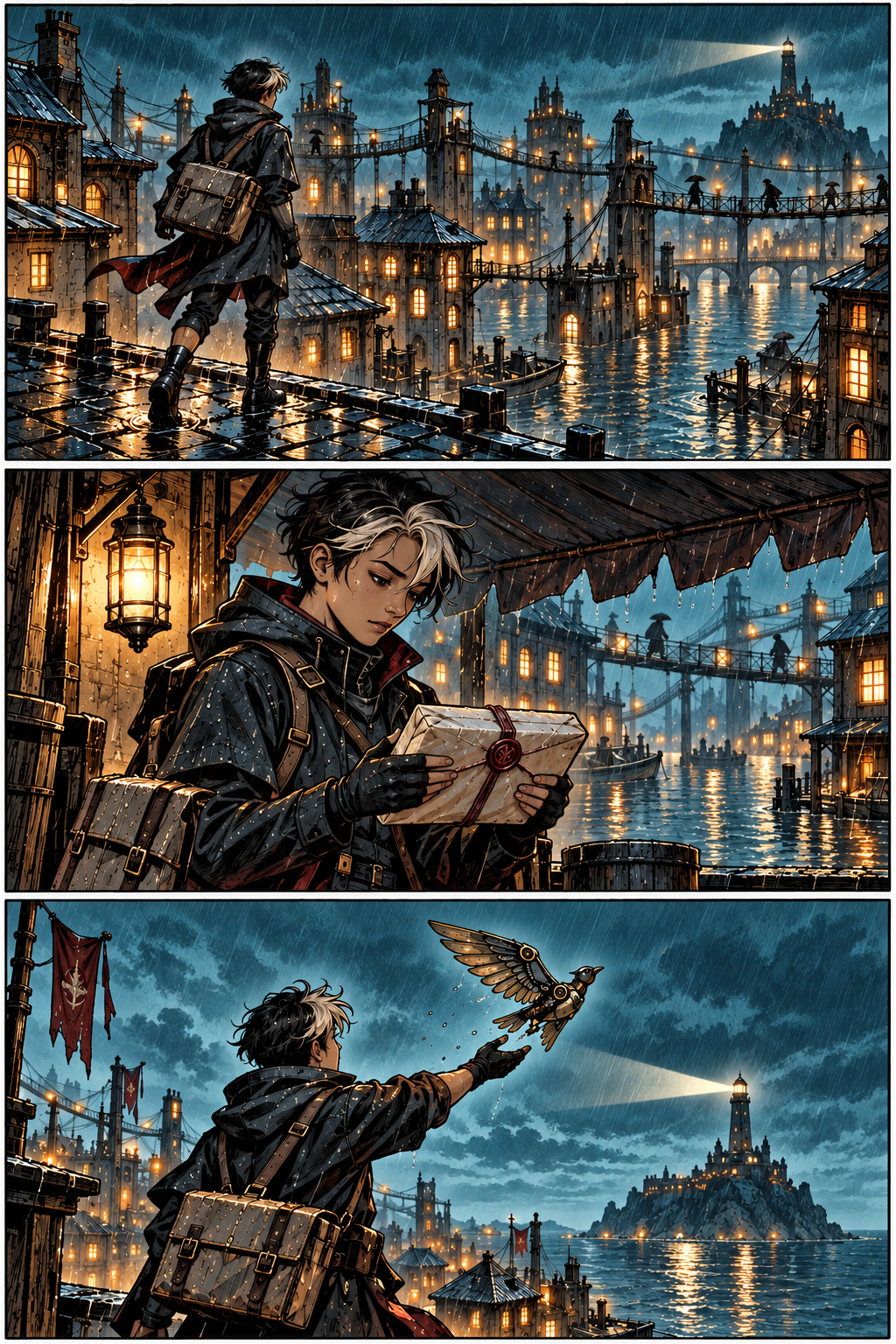
01 / 07Người đưa thư trên máiBộ demo nguyên bản · bản màu gồm thử nghiệm BackEnd và concept.
11 challenge cần giải
11 bài toán.
Nhìn là hiểu.
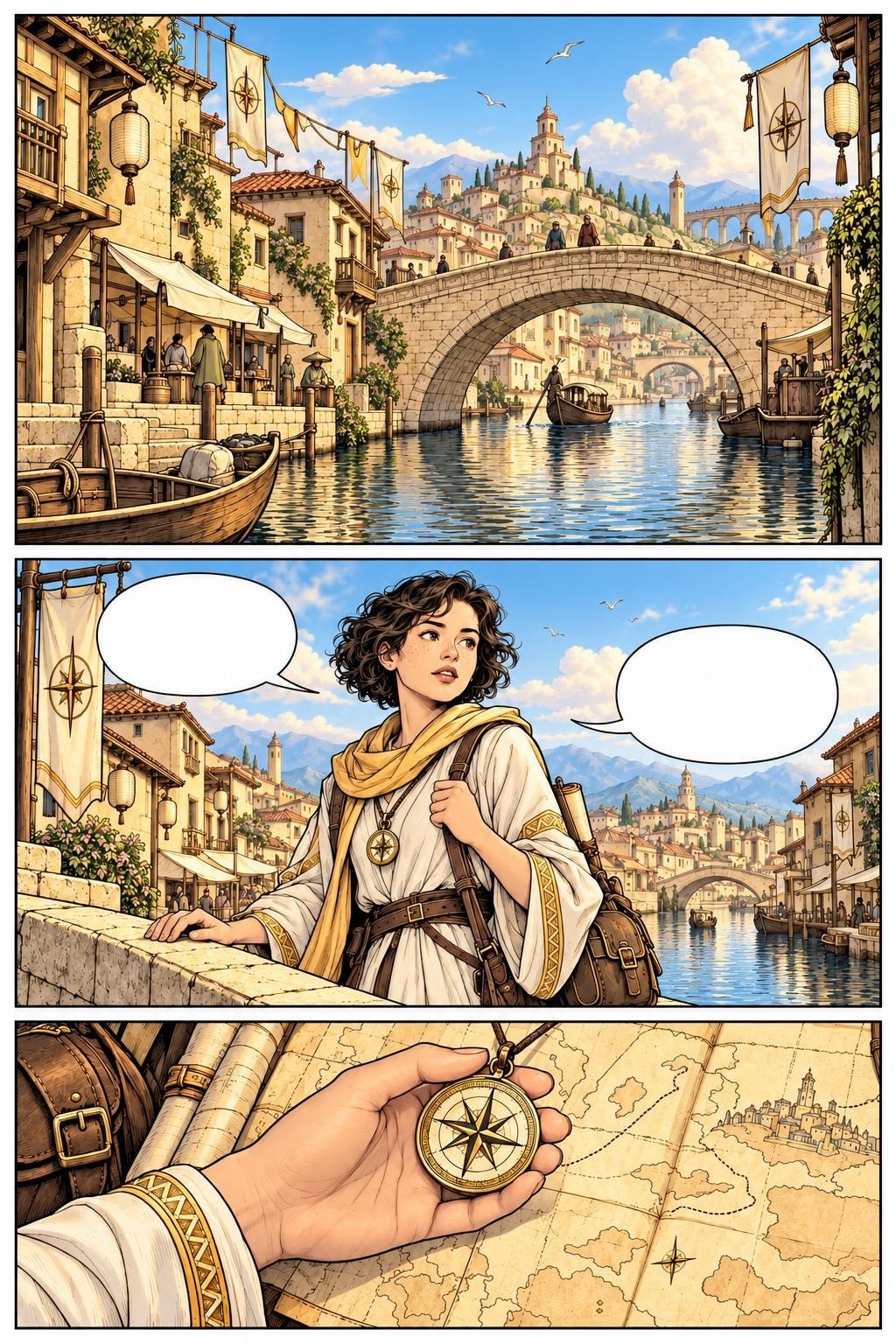 Imperial Gold
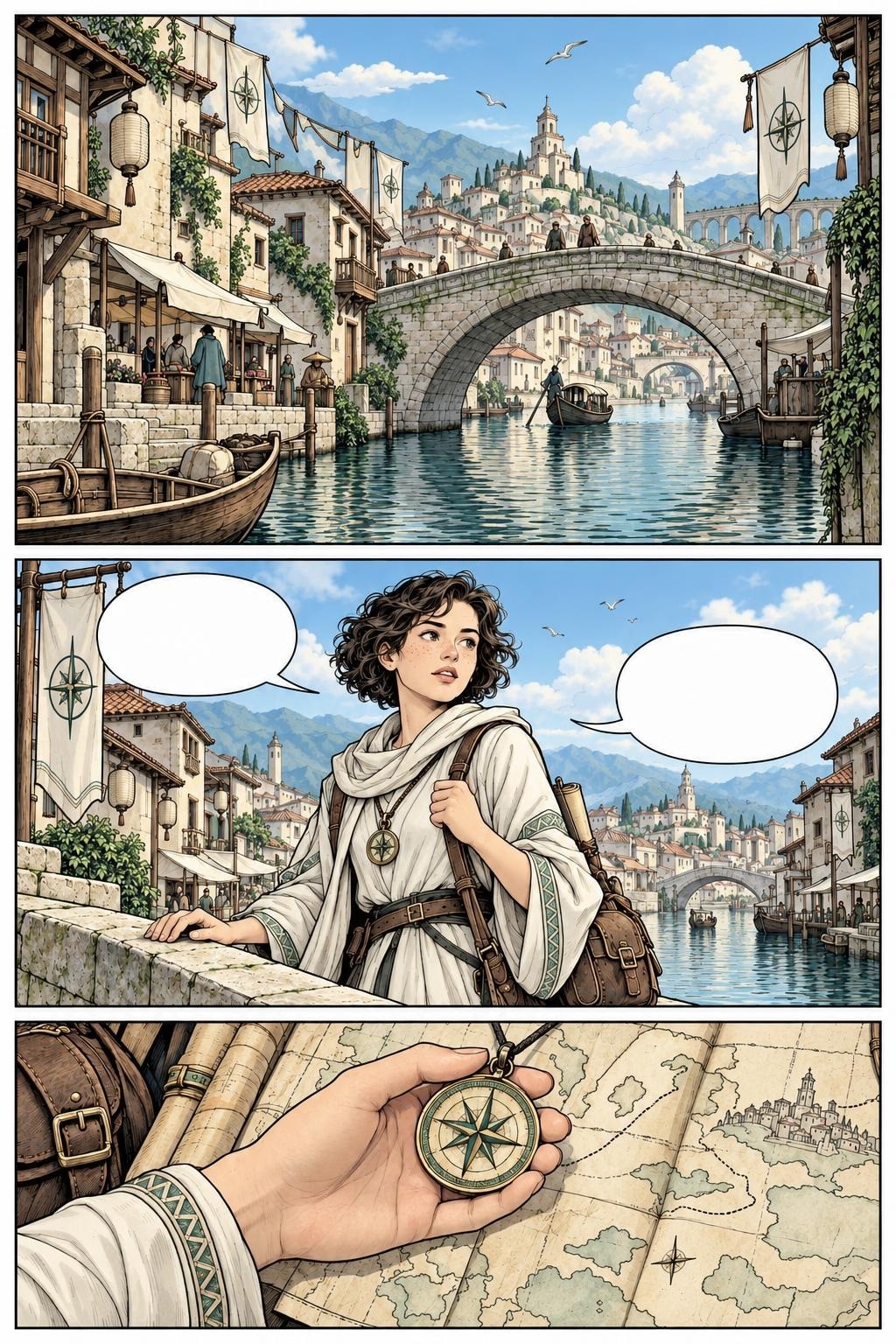 Ancient Jade
Cùng cảnh, nhiều thời tiết và thời điểm
Xem 20 biến thể thời tiết ↗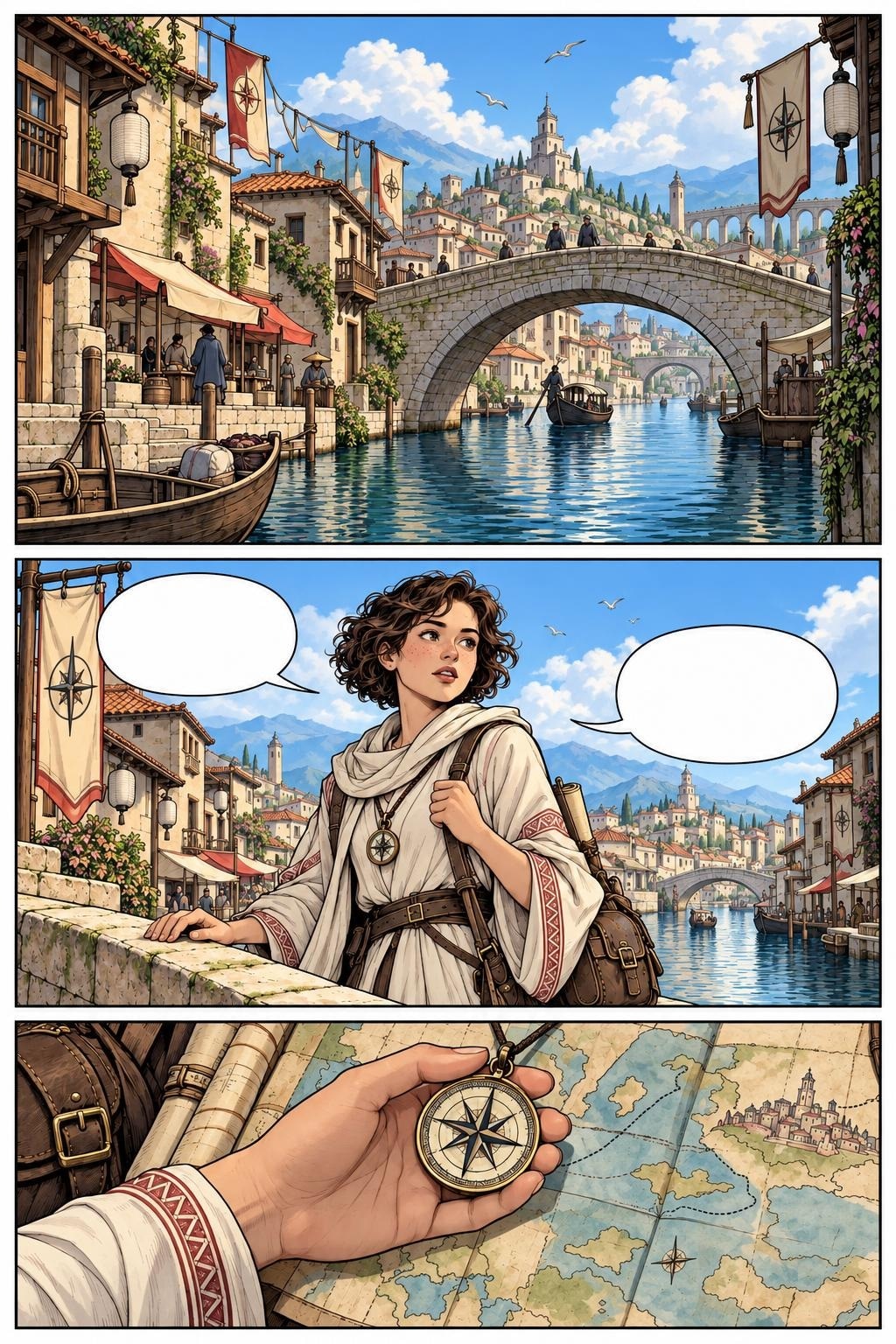 Trời quang
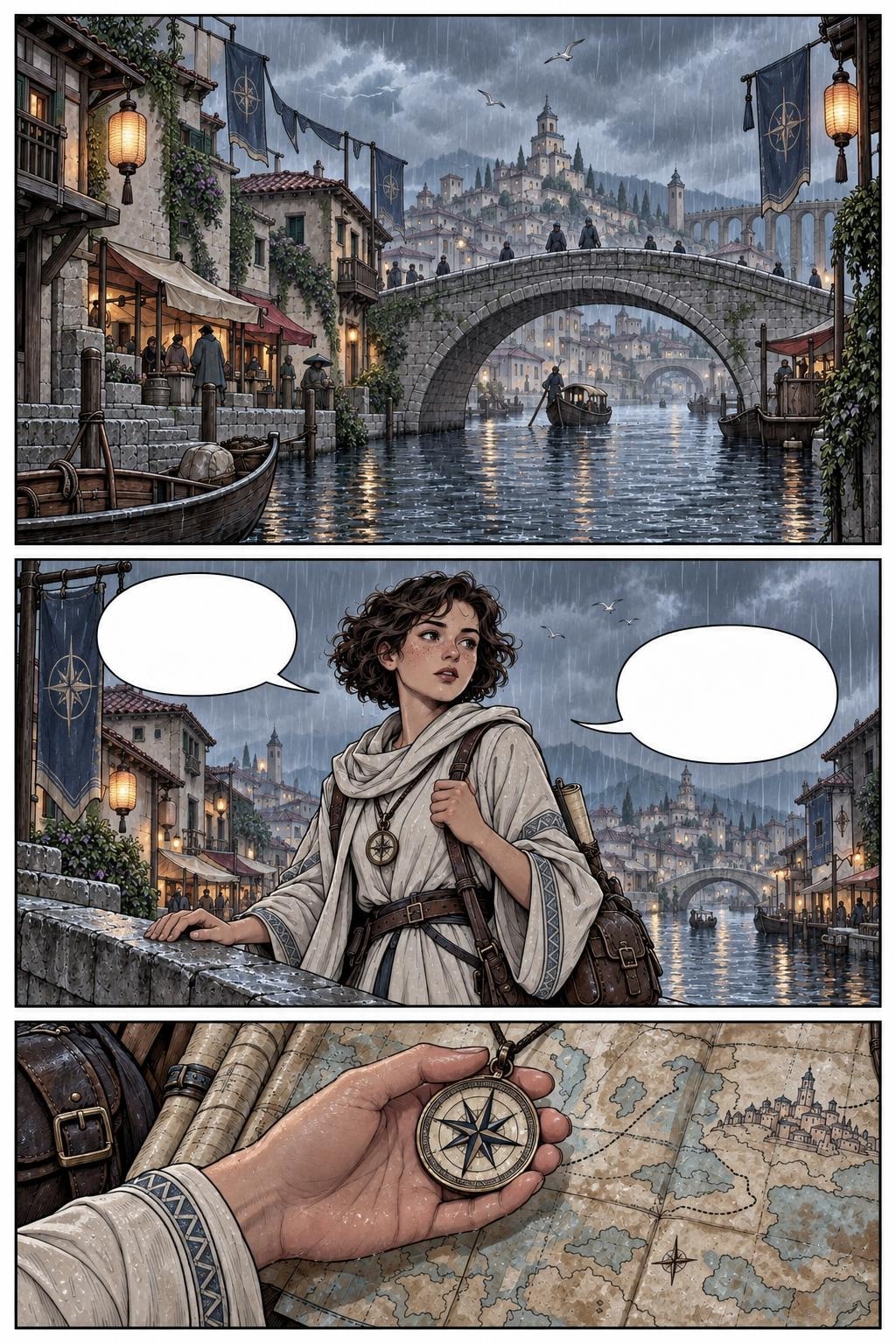 Mưa ban ngày
Nhân vật và đạo cụ không được đổi màu tùy hứng
Mỗi thể loại cần một “hồn” riêng
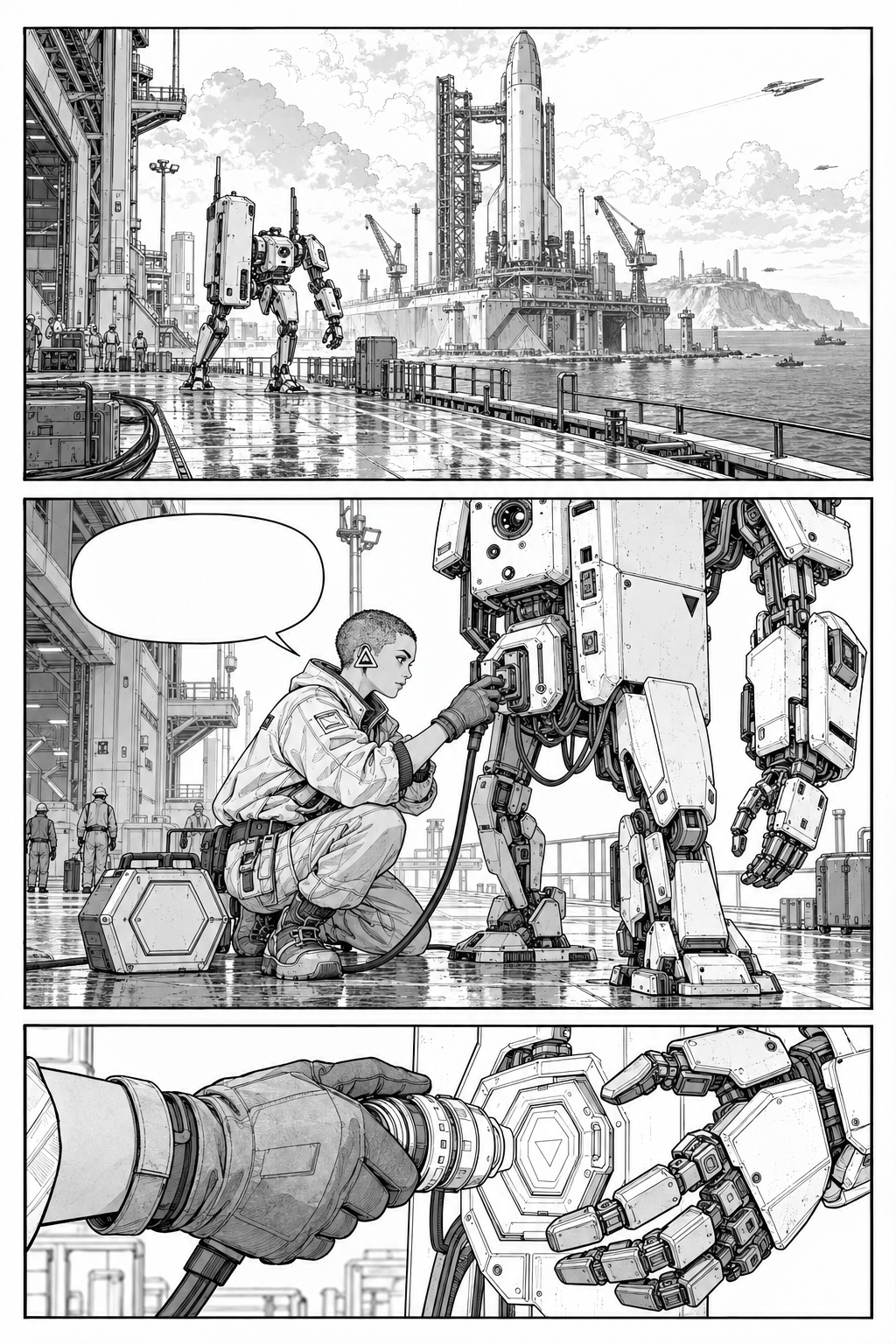 Sci-fi sketch
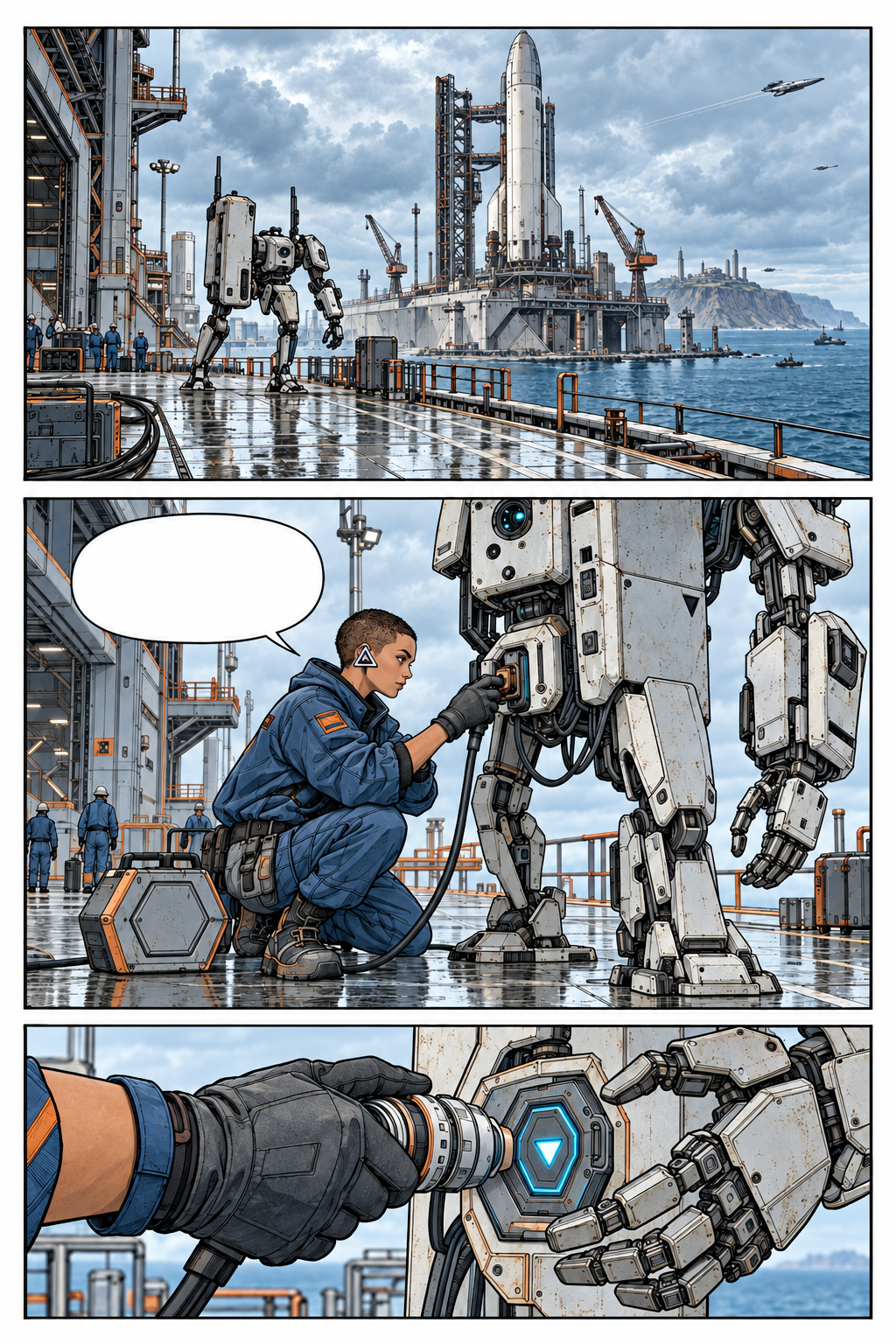 Concept màu
Đá, cây, nước và hiệu ứng phải khác chất
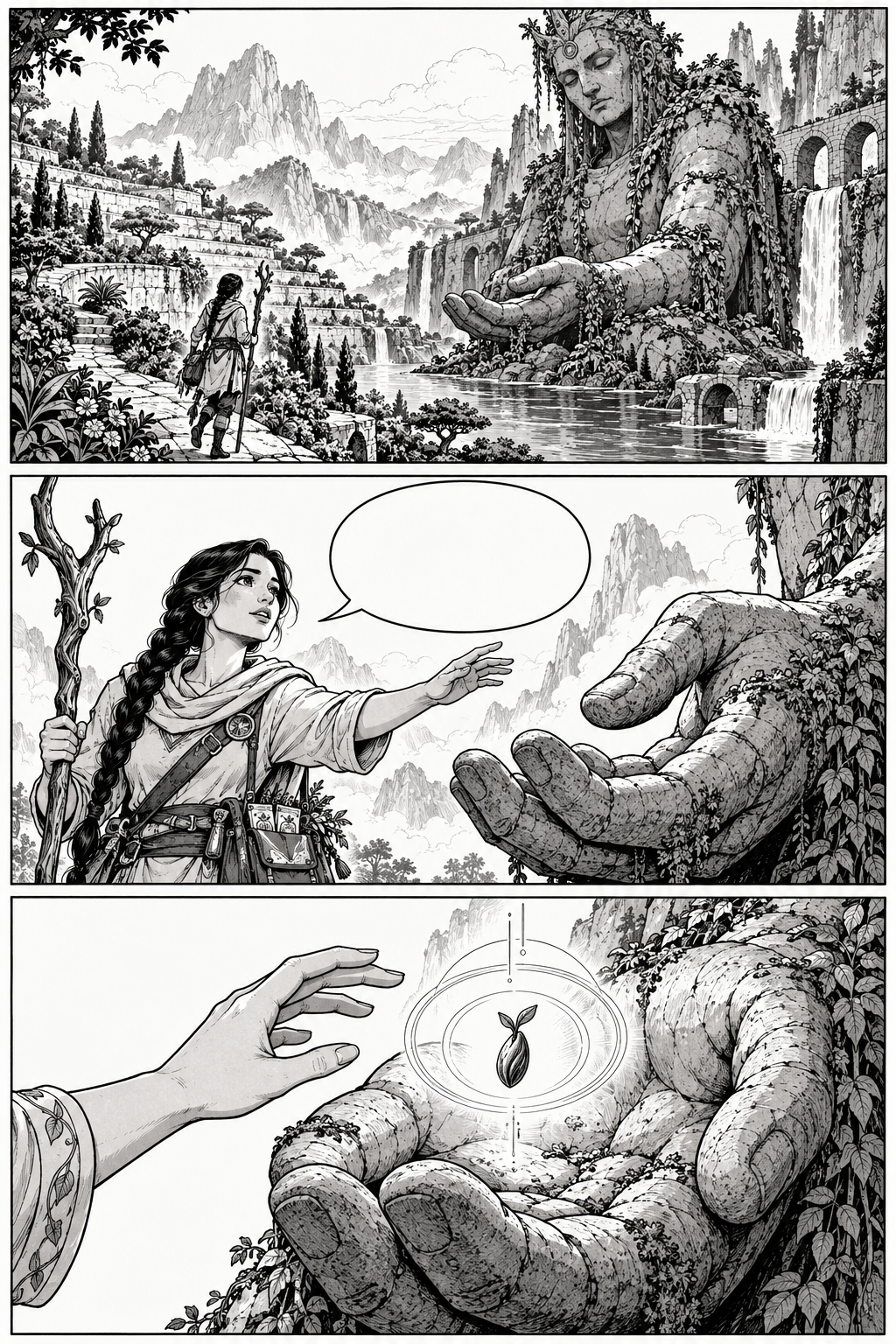 Sketch gốc
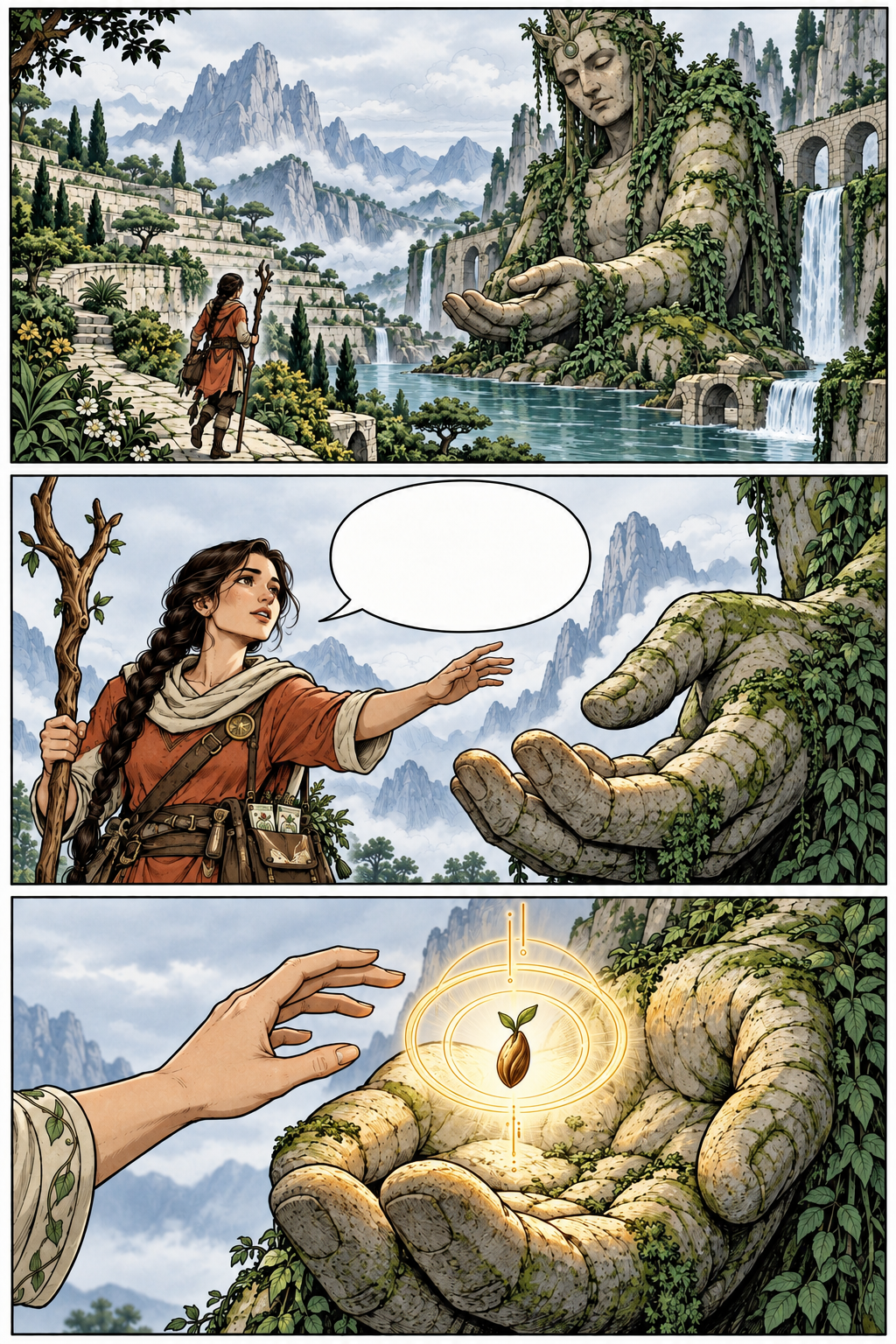 Concept hiệu ứng
Dịch thoại mà không vẽ lại tranh
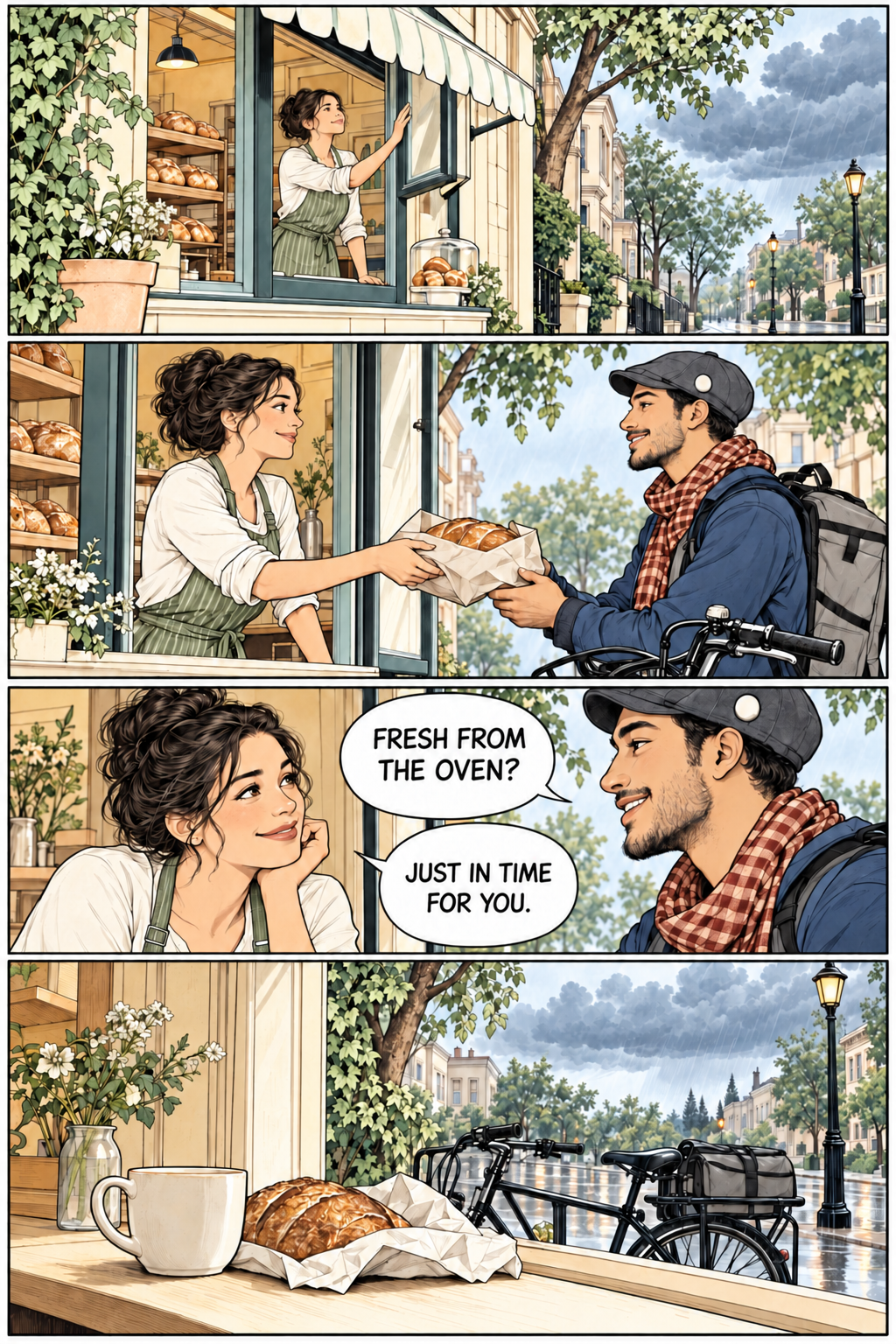 English concept
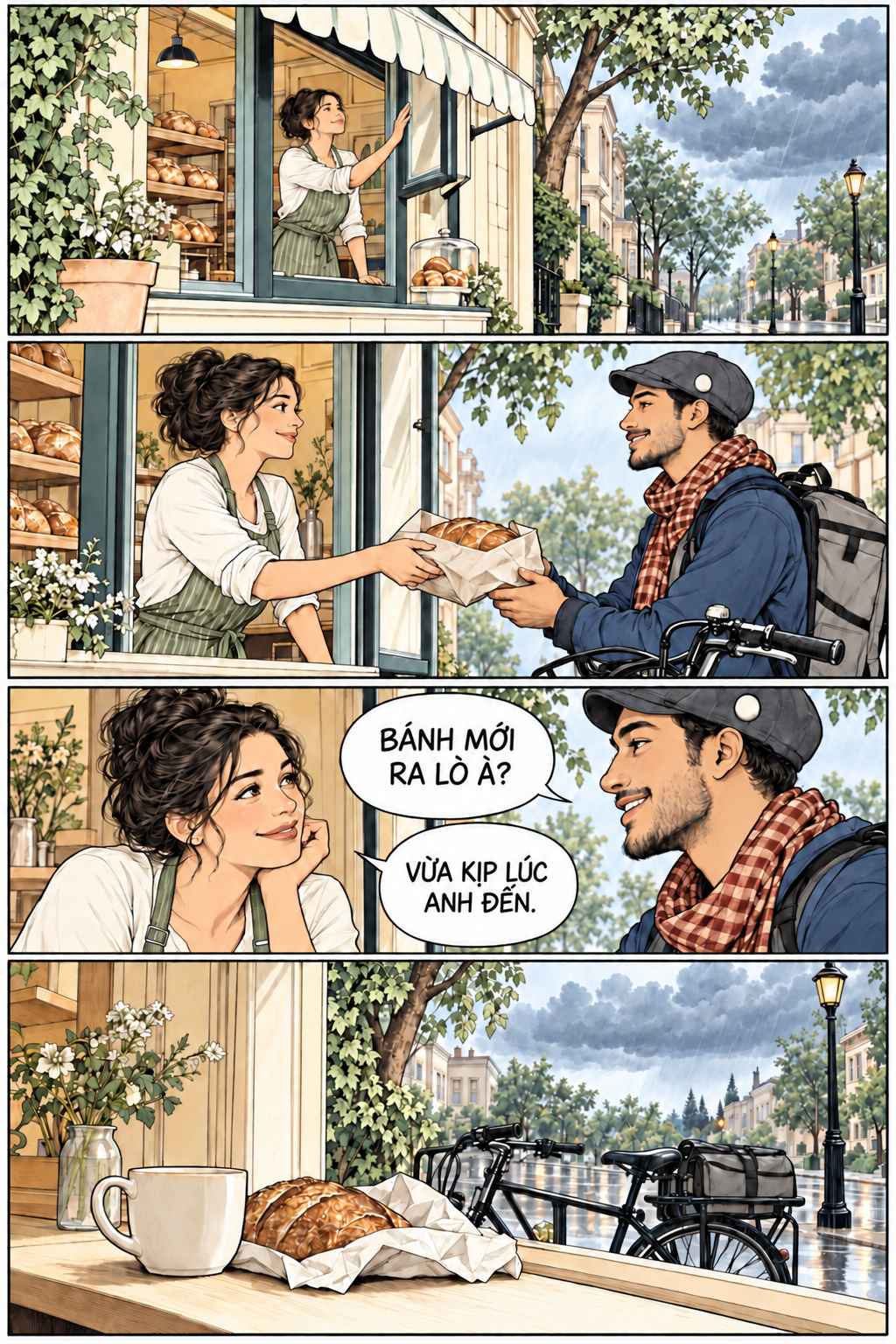 Tiếng Việt concept
Đẹp hơn nhưng không được kể sai truyện
Palette khách hàng phải thắng gợi ý tự động
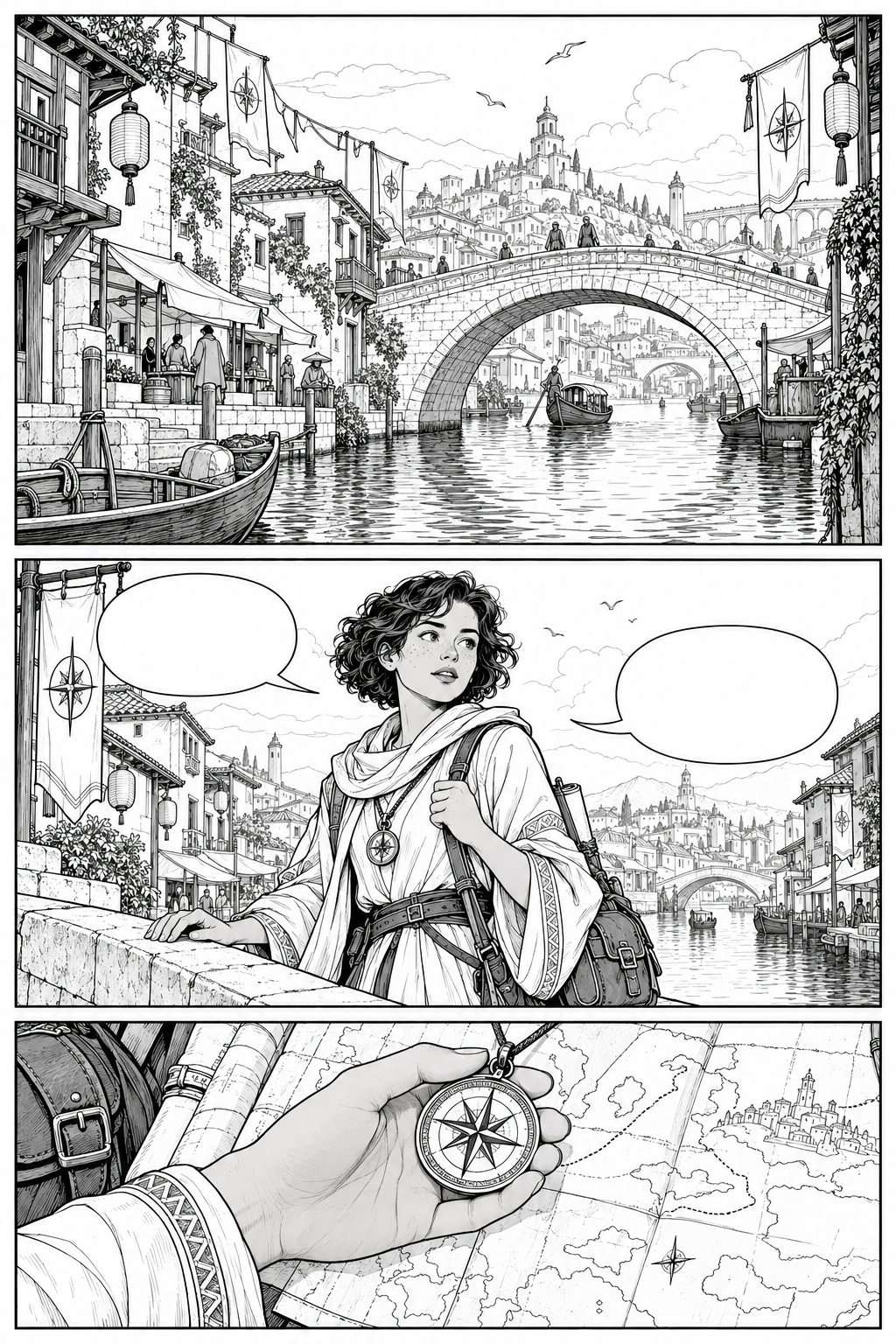 Sketch gốc
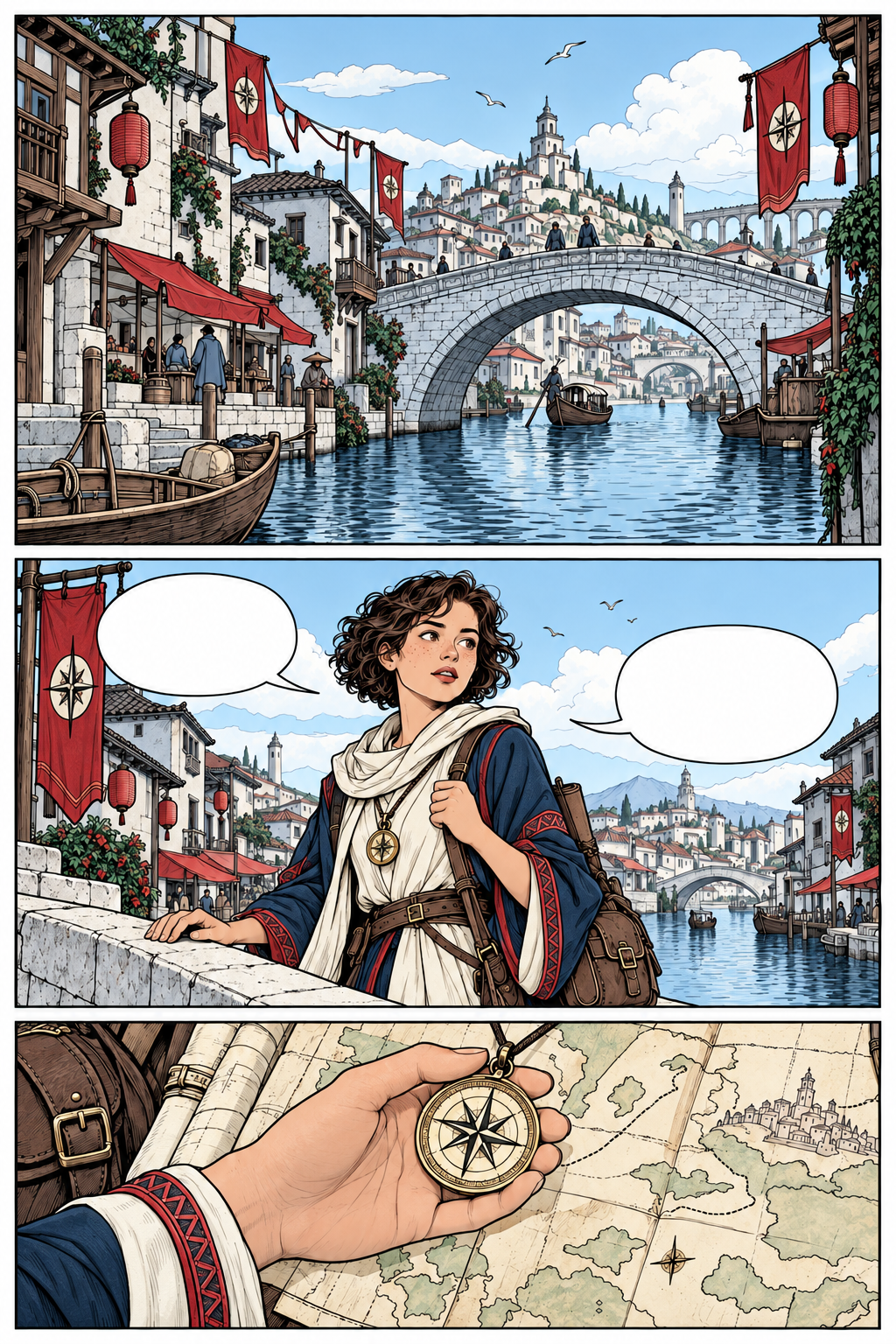 Crimson Slate concept
Tóc, mắt, da: profile màu riêng cho từng nhân vật
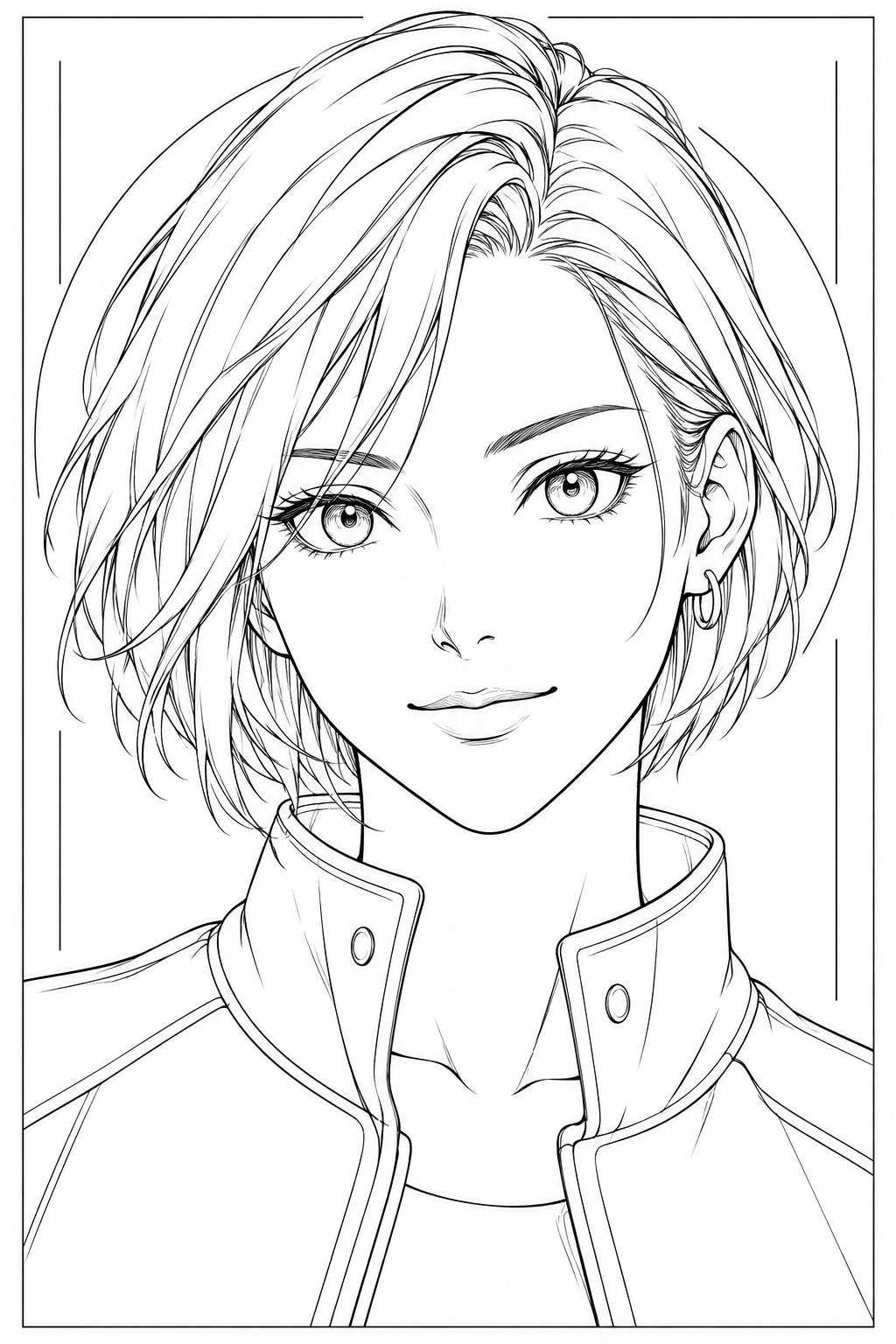 Mira · sketch
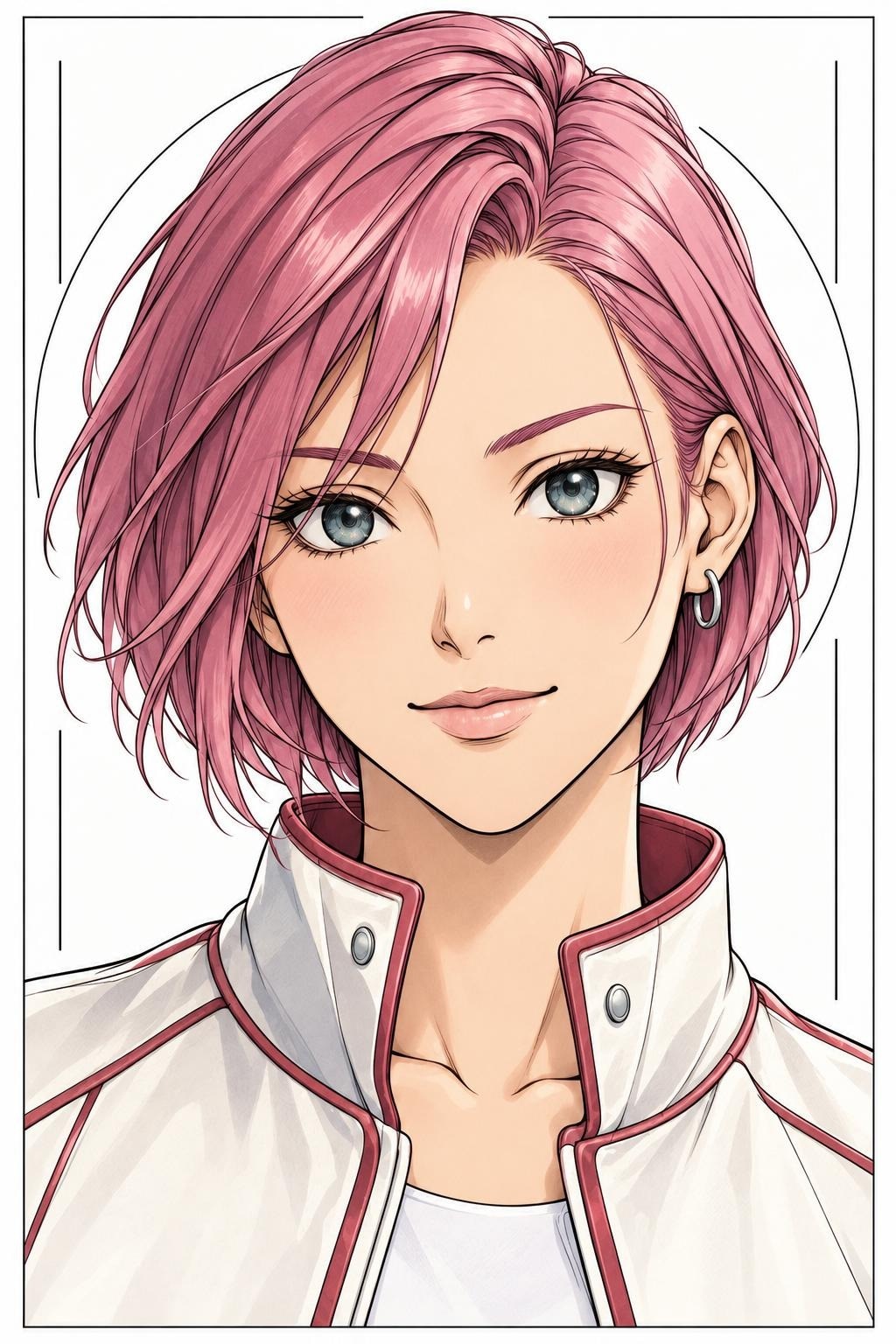 Đổi màu tóc
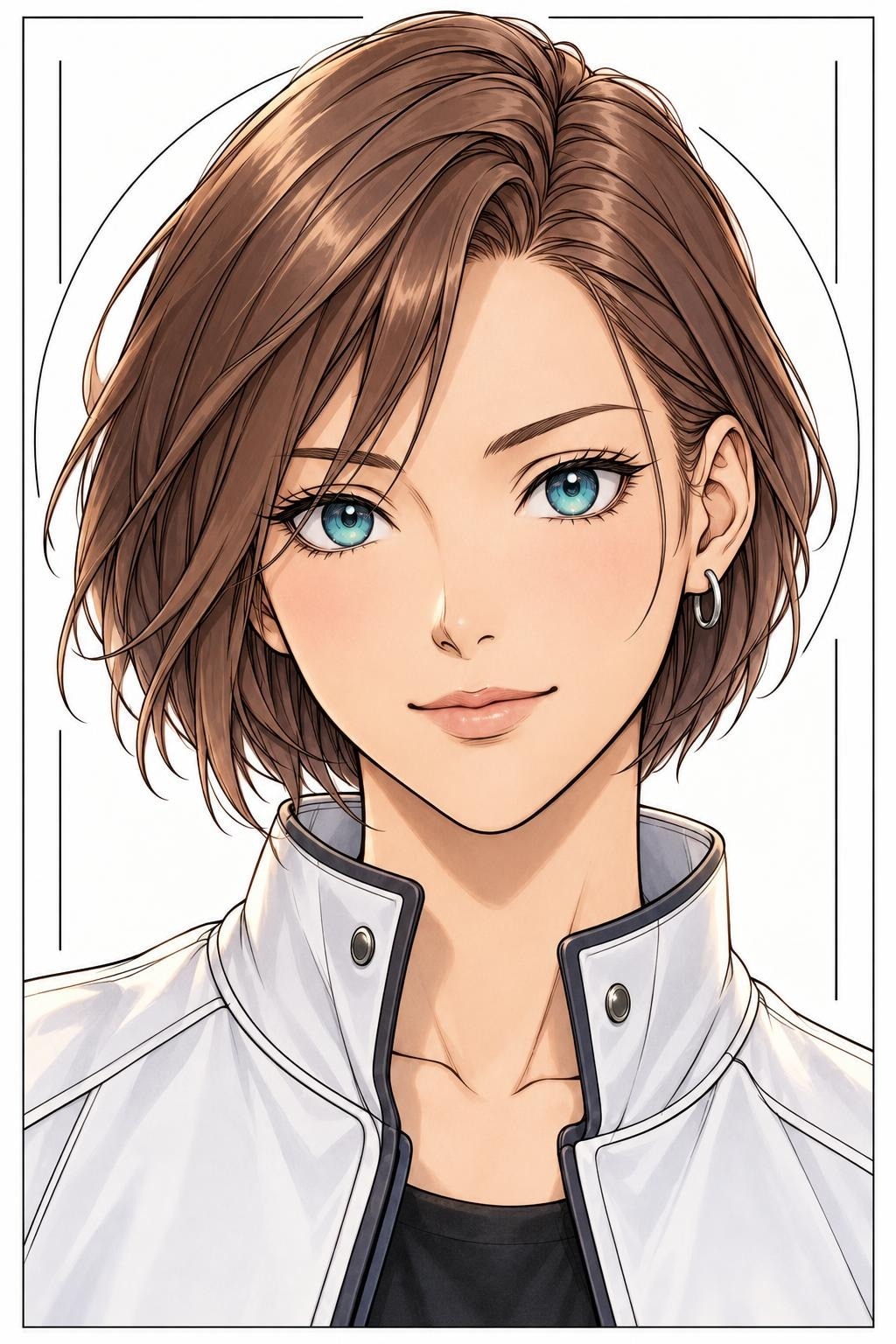 Đổi màu mắt
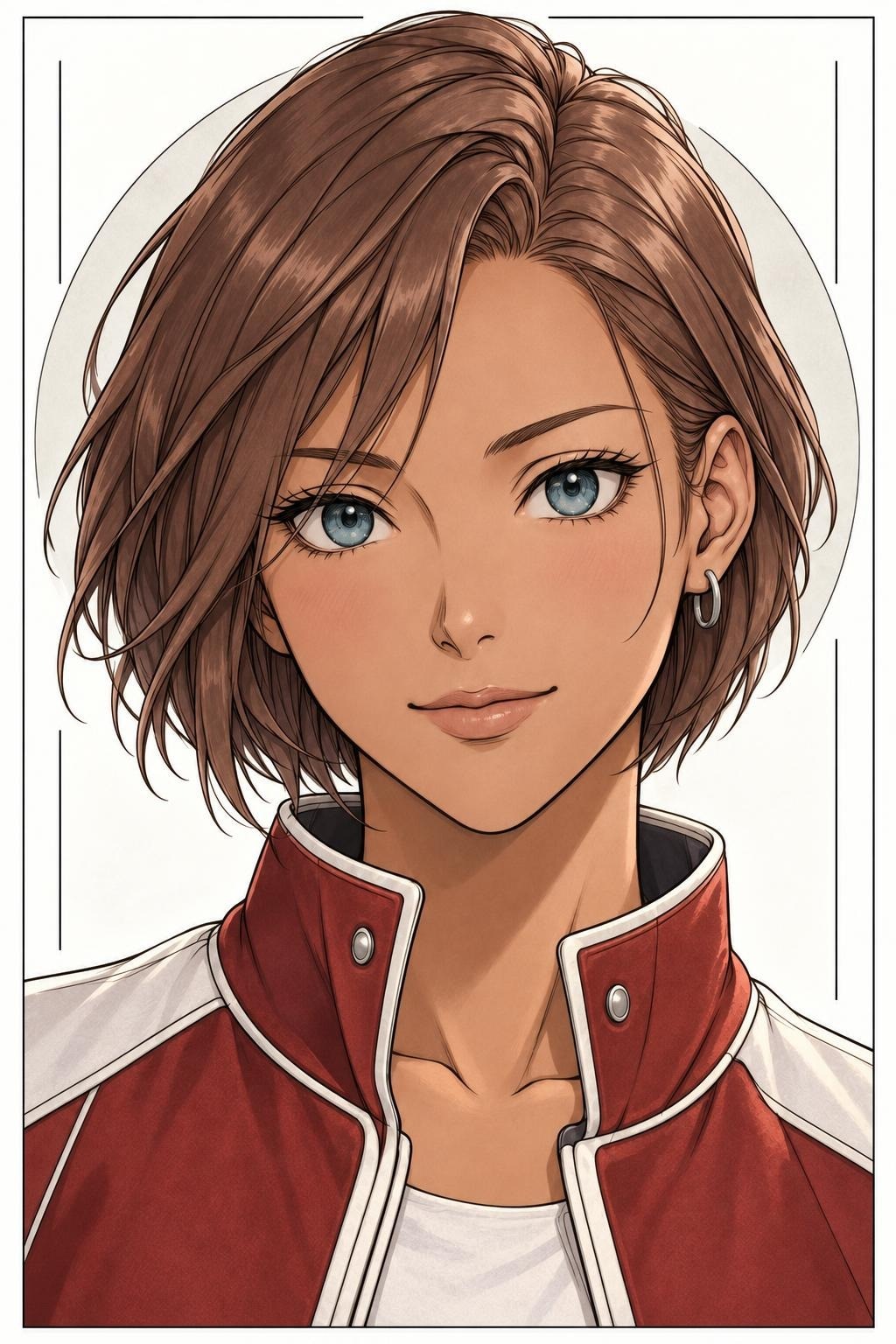 Đổi tông da
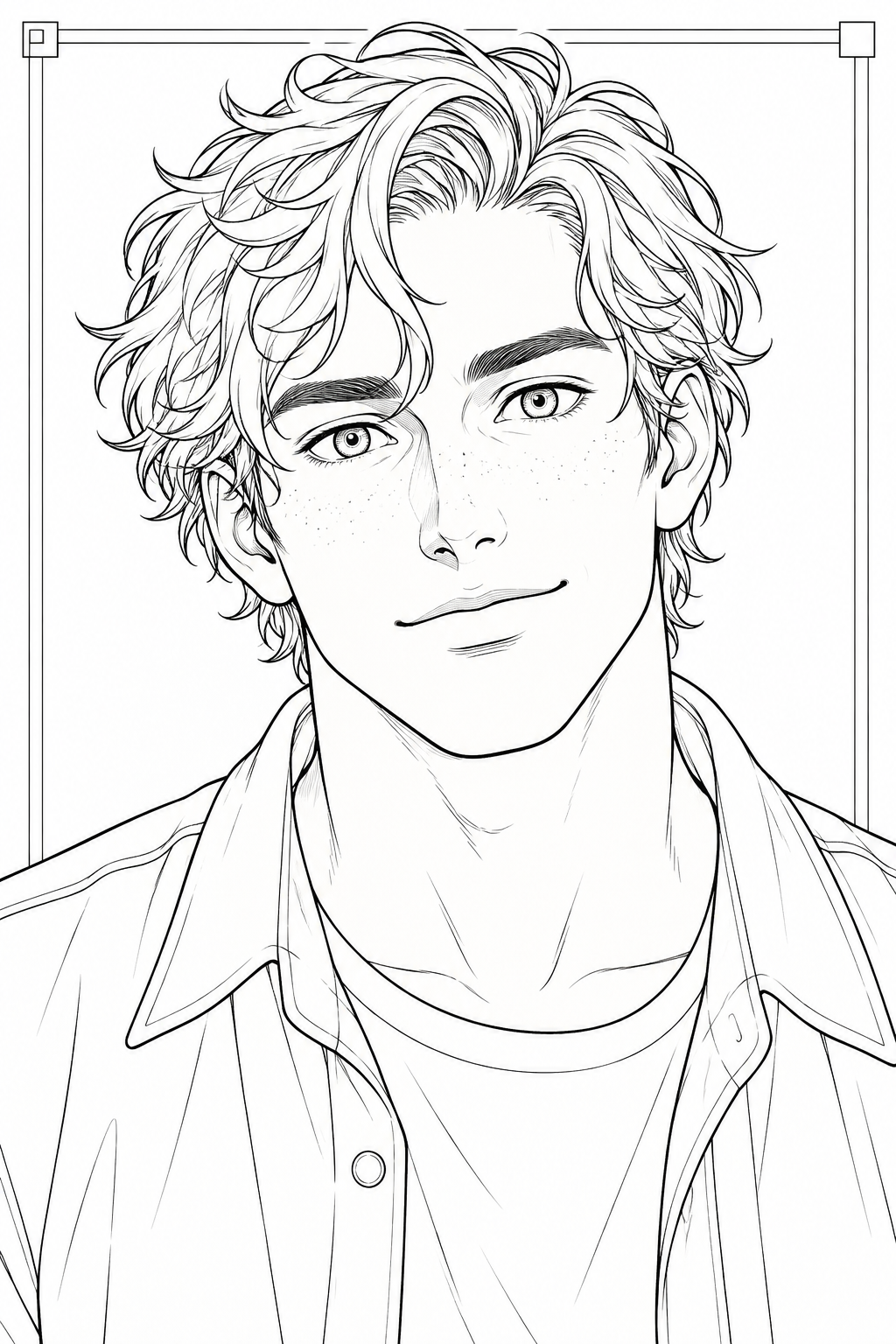 Kai · sketch
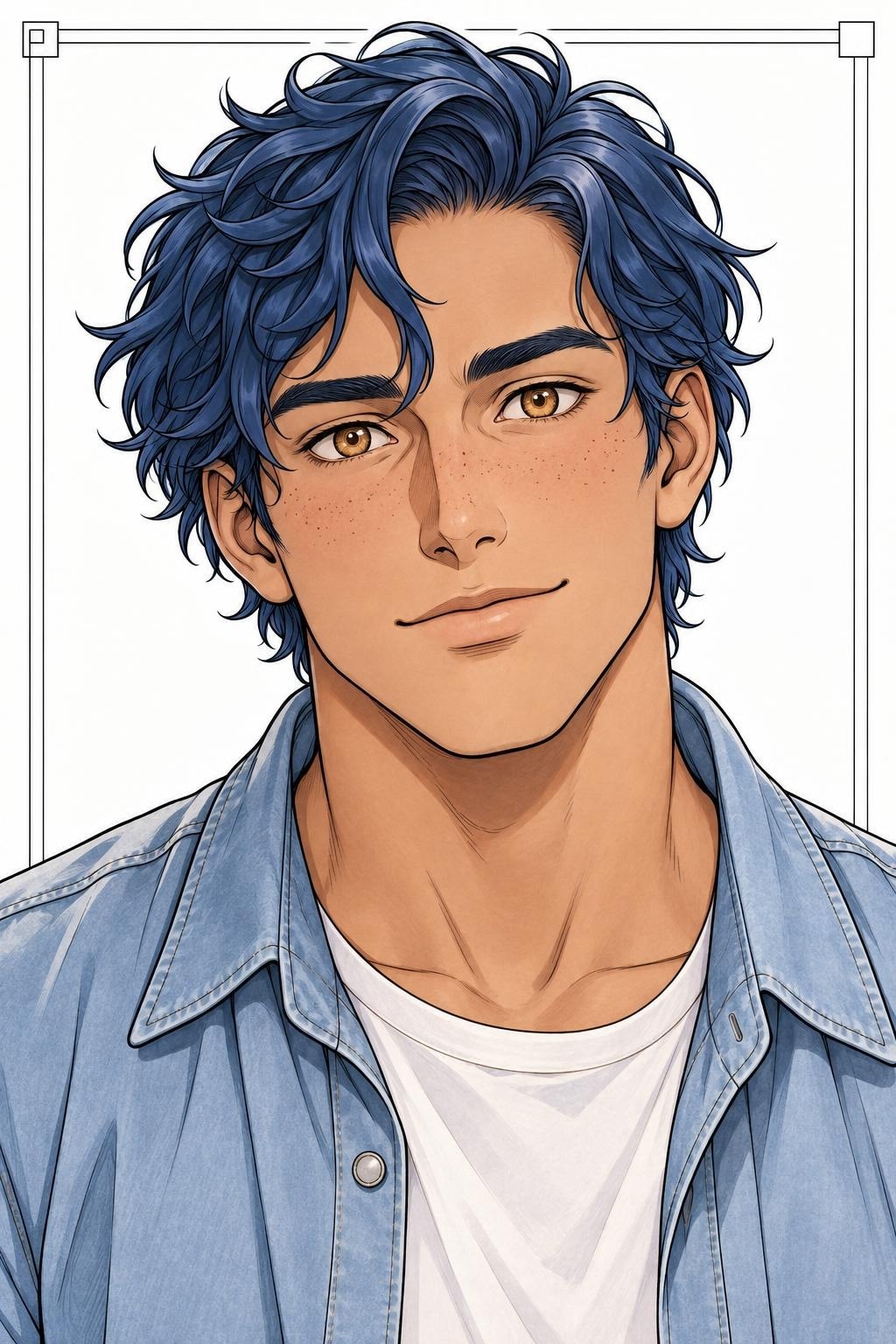 Profile của Kai
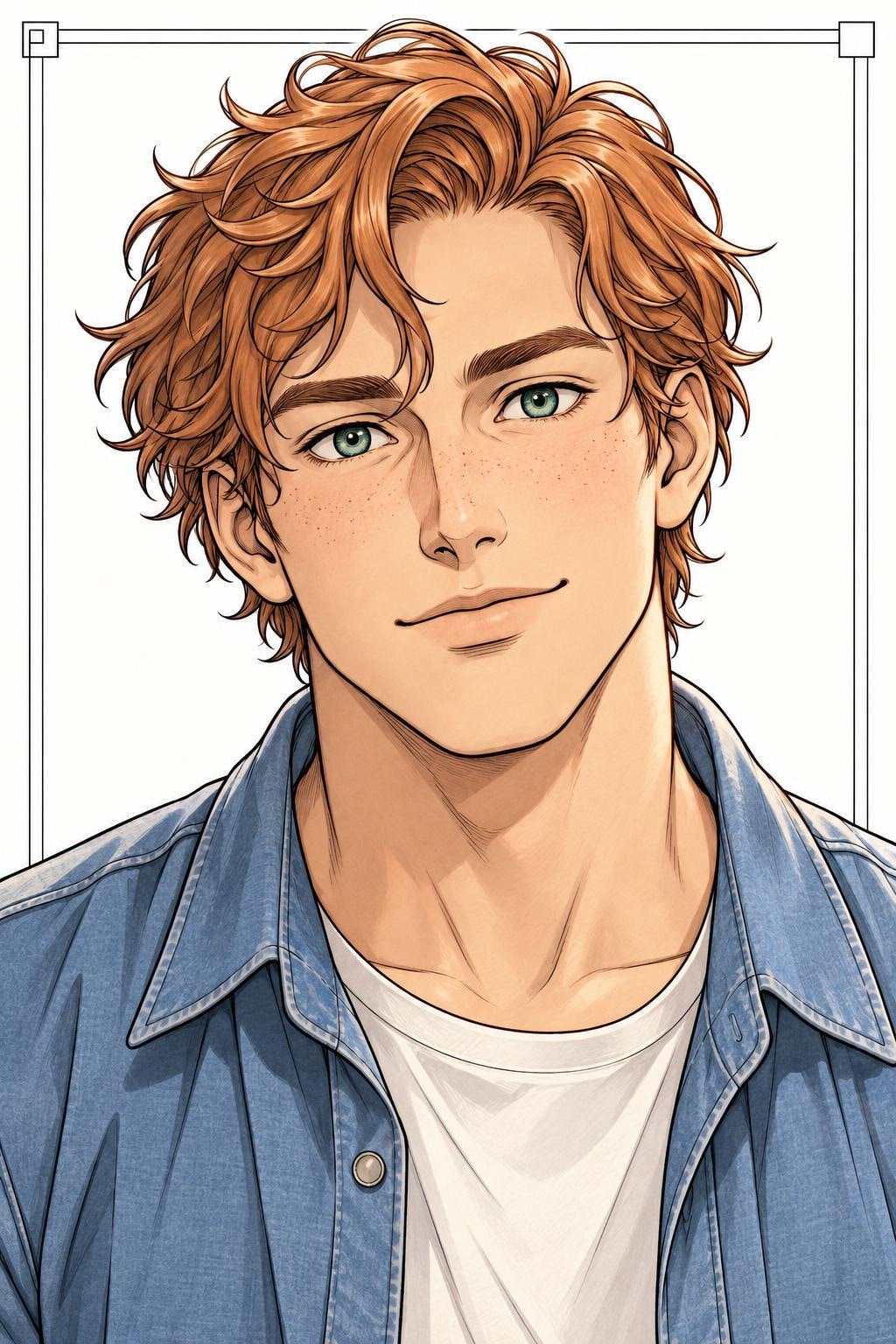 Kai · tóc đồng
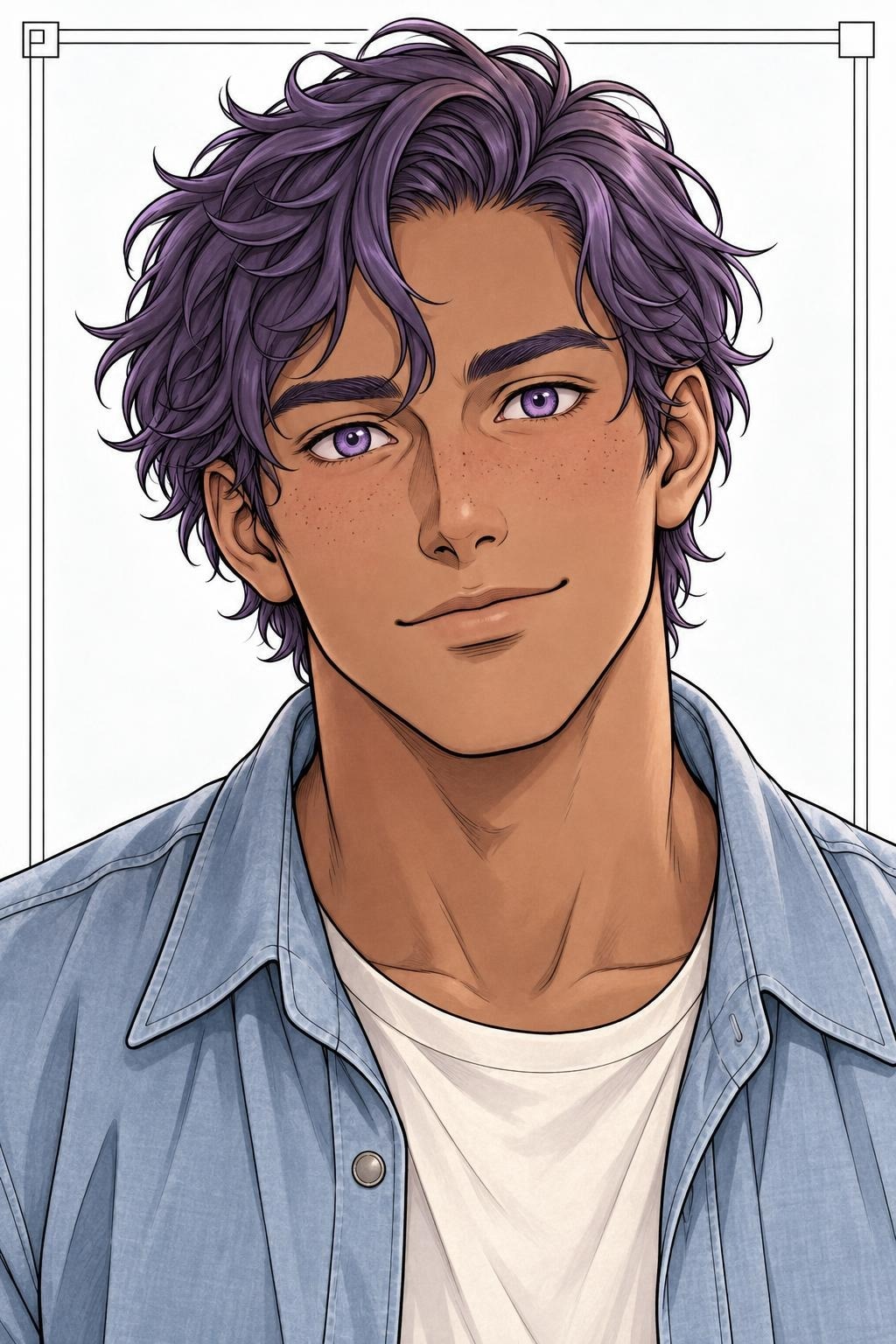 Kai · tóc tím
Ảnh chạy qua backend bằng profile màu nhân vật. Trang phục chưa khóa màu nên có thể biến thiên giữa các lần dựng.
Phép, điện, lửa, băng giữa combat
Xem 6 biến thể combat ↗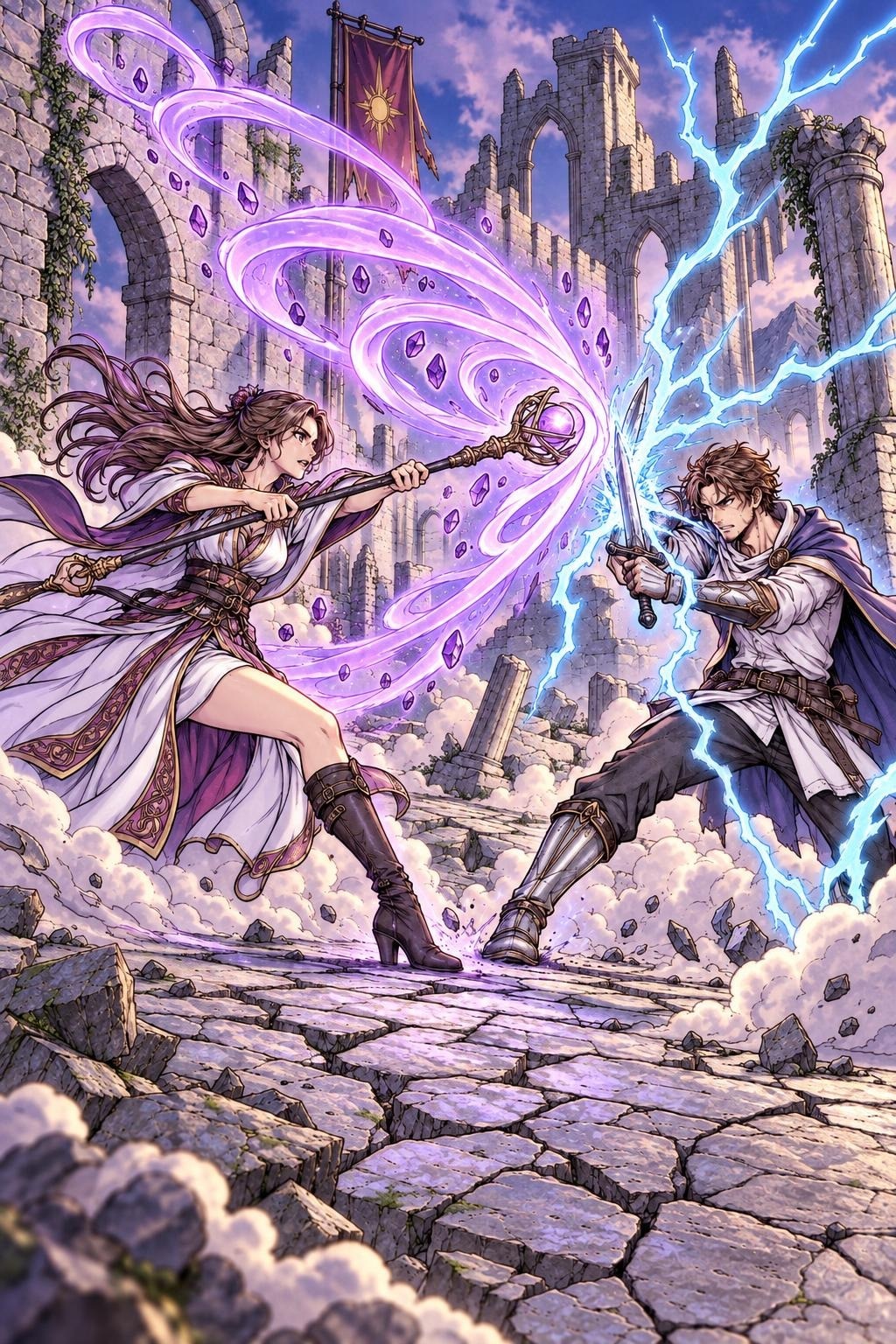 Dải phép & điện
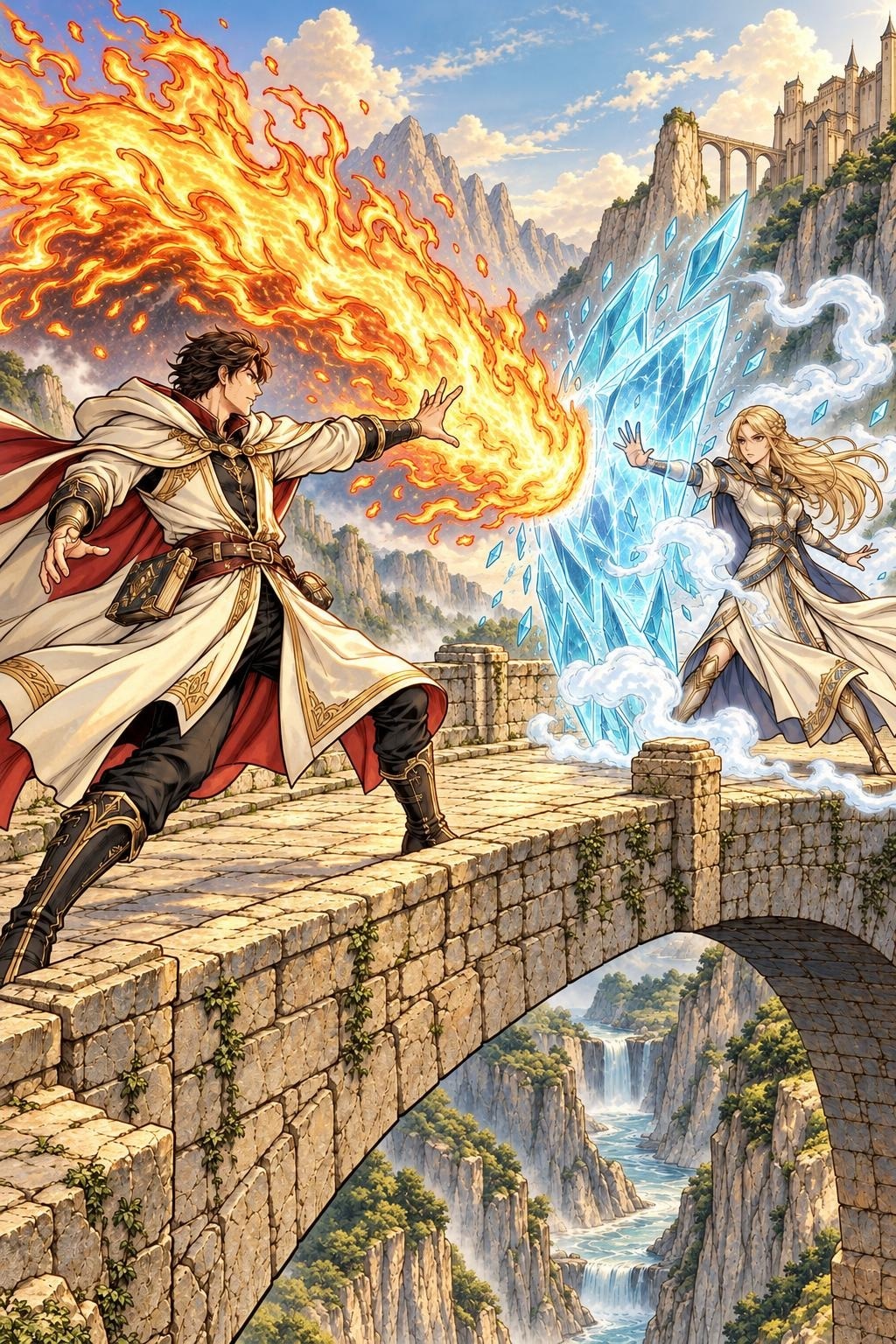 Lửa & băng
Một robot, nhiều chất liệu; hai bên vẫn đồng bộ
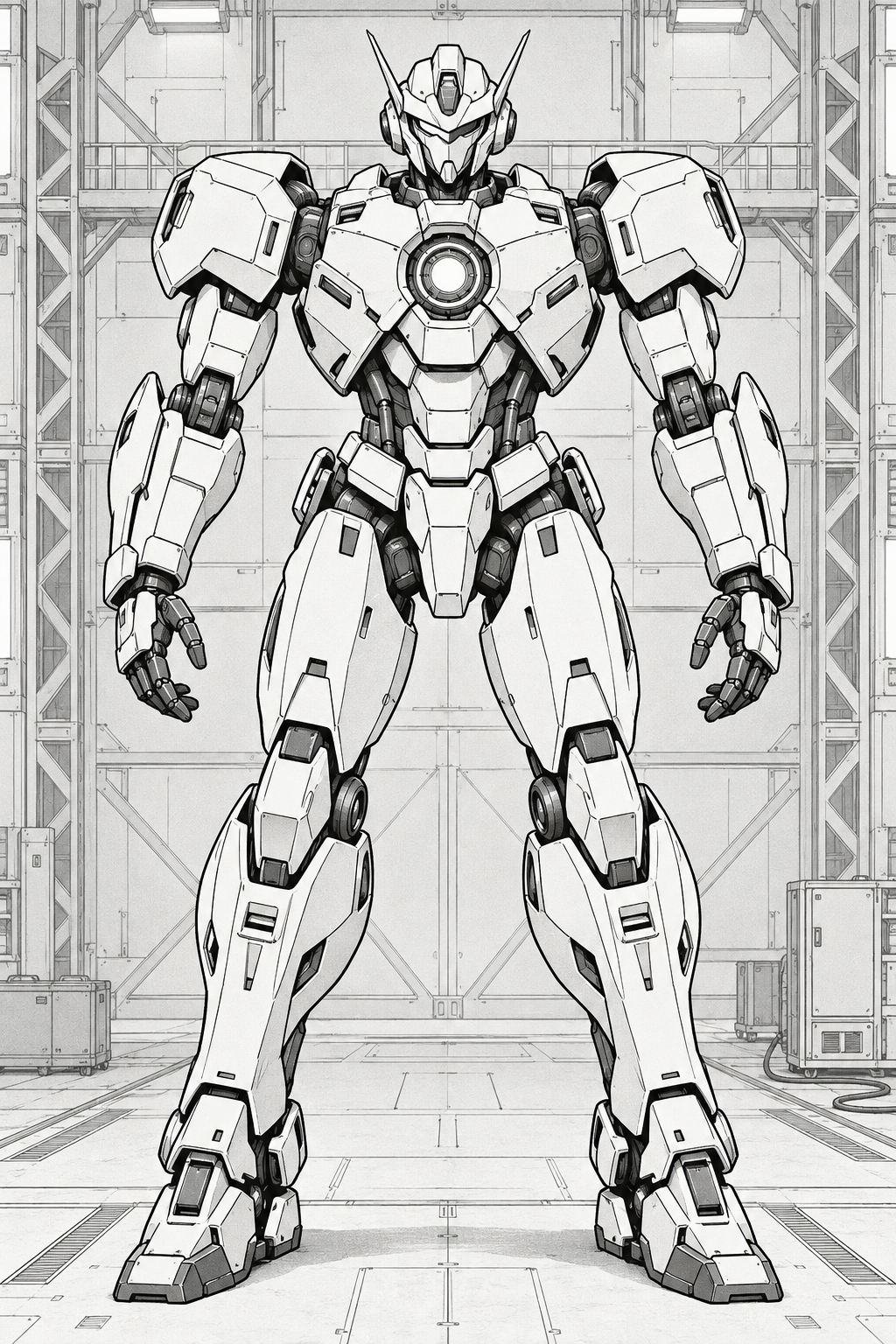 Sketch gốc
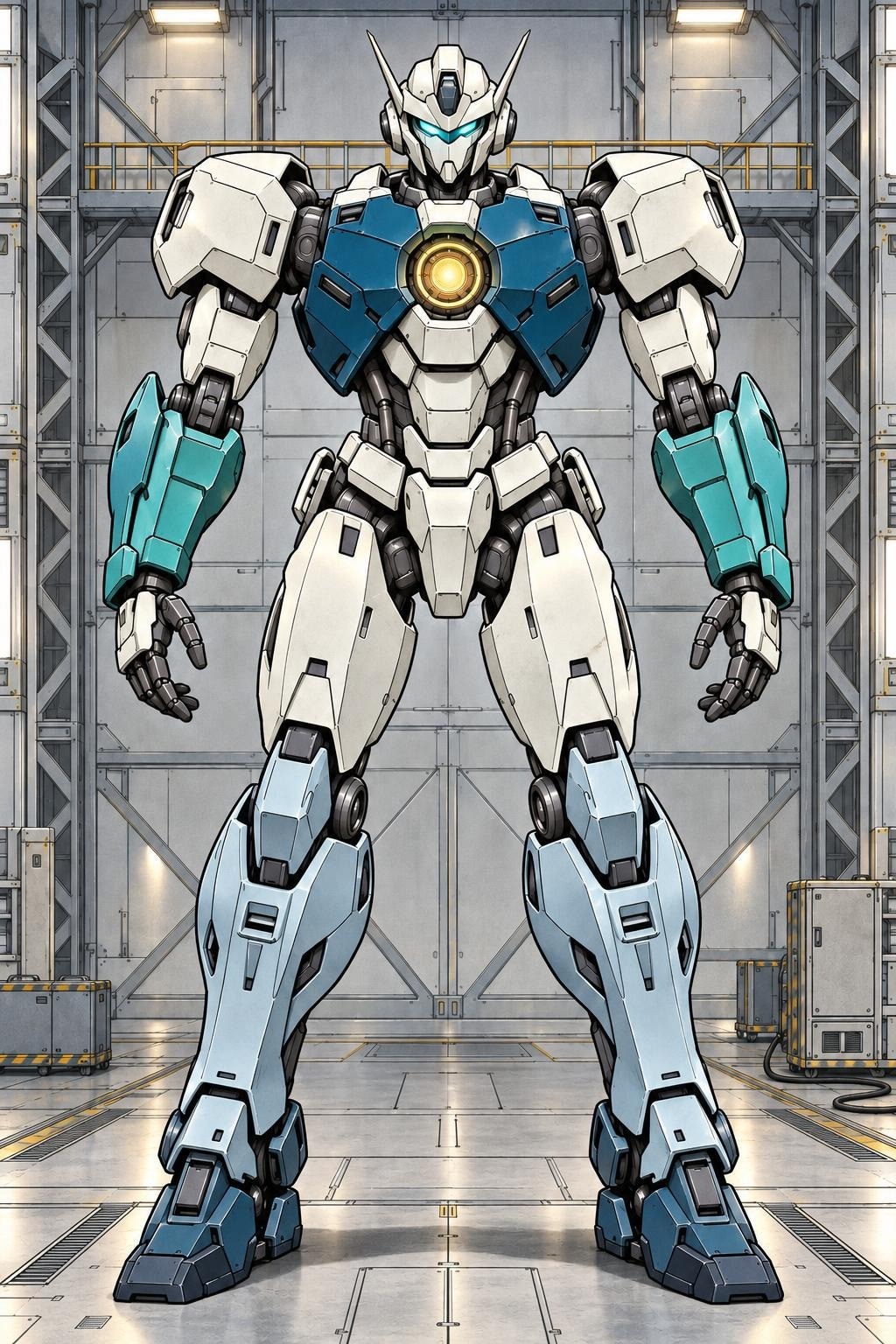 Gốm · teal
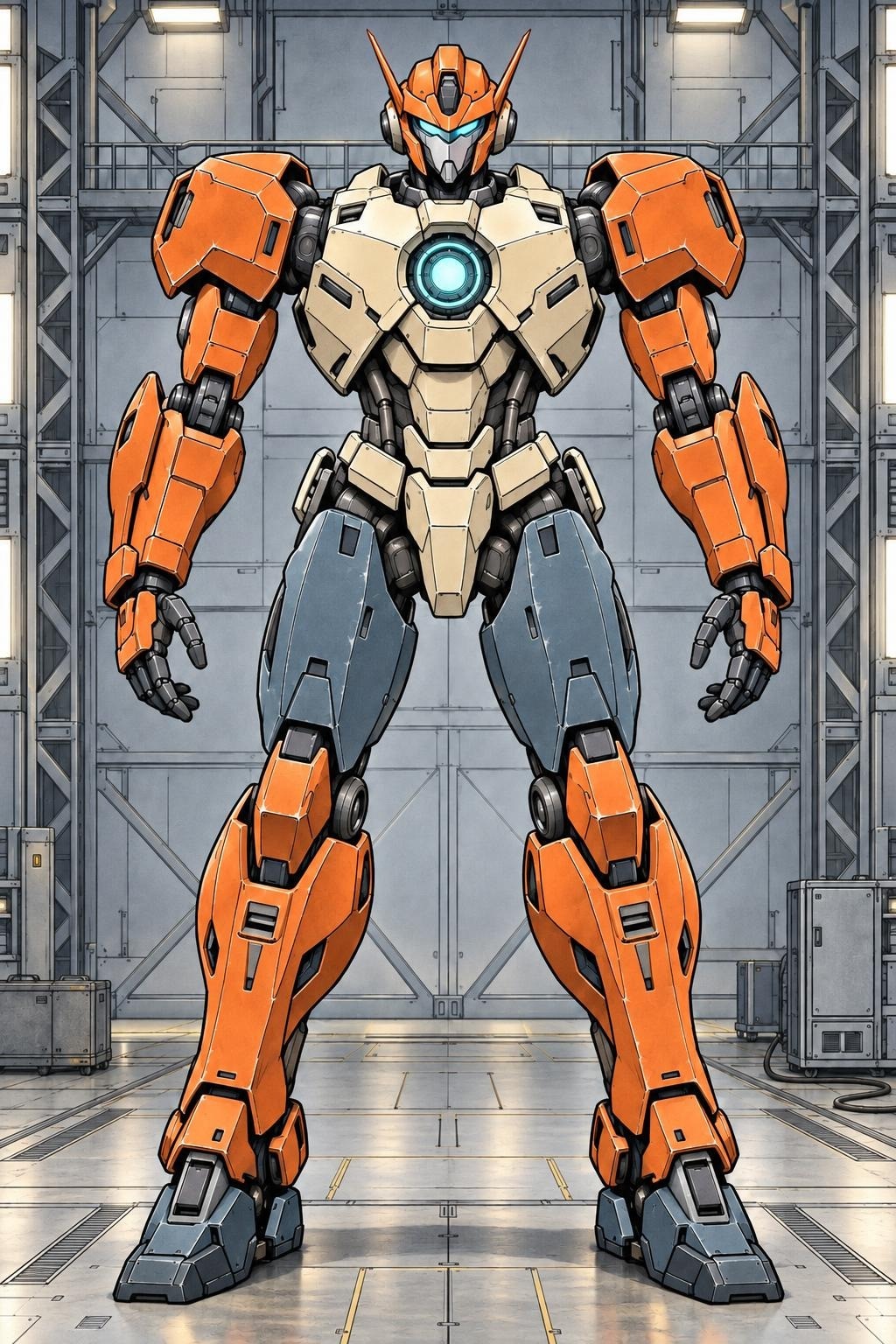 Cam cứu hộ
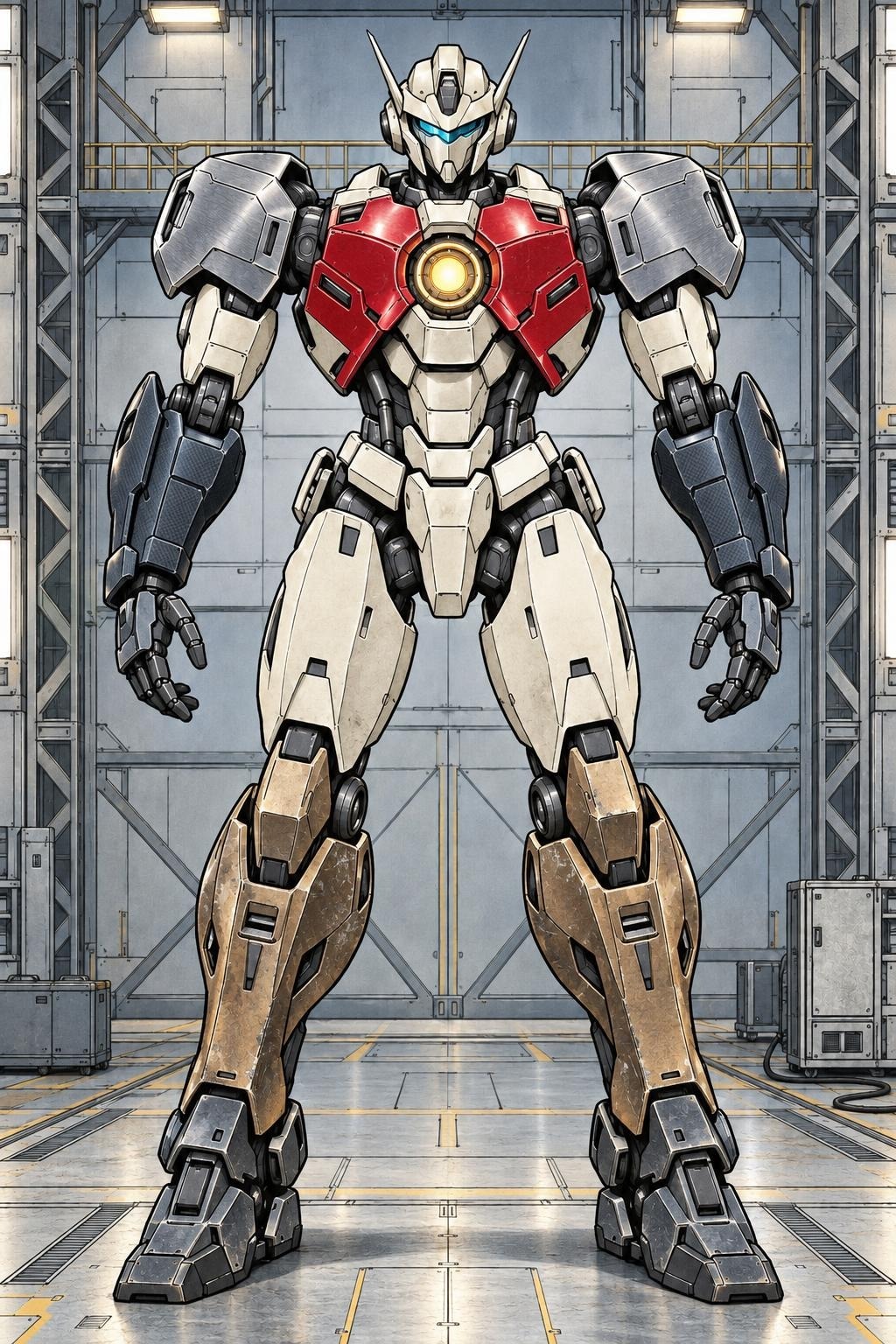 Thép · composite · kính
Mecha Material Map khóa màu theo từng mảnh; material marker chỉ định bề mặt. Preview cần duyệt lại vùng biên trước khi sản xuất.
Challenge / material response
Mỗi chất liệu,
một cách bắt sáng.
Sứ, nhung, thép xước, sơn xe bóng và da. Cùng xem sketch gốc và bản tô qua Backend.
Material marker chỉ định bề mặt chính trong từng ảnh. Kết quả preview cần duyệt lại vùng biên.
Hiệu ứng và bầu không khí
Khi màu
đổi cả thế giới.
06 bản combat qua backend20 bản thời tiết qua backend
Hai cảnh combat với phép, điện, lửa và băng; hai khung cảnh được thử dưới nhiều trạng thái thời tiết, ánh sáng và thời điểm trên cùng sketch.
Challenge / Hiệu ứng điện ảnh
Ánh sáng tạo
chất điện ảnh.
5 hiệu ứng trên 3 sketch gốc: hạt bụi trong tia nắng, tia xuyên mây, nắng qua lá, flare và bokeh.
Quy trình
Từ trang gốc đến
output được duyệt.
Mỗi bước có đầu vào, tiêu chí kiểm tra và quyền quyết định rõ ràng.
- 01
Nhận IP & source
Chốt phạm vi, tài sản, quyền sử dụng và mục tiêu phát hành.
- 02
Khóa visual intent
Xác lập reference, canon, palette và những chi tiết phải giữ.
- 03
Tạo phương án
Tạo candidate theo từng trang và định hướng nghệ thuật.
- 04
So sánh & refine
Đối chiếu với source; artist chỉnh sửa hoặc loại phương án.
- 05
Kiểm tra chất lượng
Kiểm text, panel, nhân vật, sắc thái và sự nhất quán.
- 06
Duyệt & bàn giao
IP holder duyệt cuối, nhận output và kết quả QC.
Faithful Color
Cho archive và trang nhạy với canon. Ưu tiên giữ panel, pose, text, bố cục, nhân vật và phục trang. Sai text hoặc mất chủ thể là lỗi chặn nghiệm thu.
Premium Remaster
Cho edition mới, digital highlight và marketing. Tăng chiều sâu, ánh sáng, chất liệu và cảm xúc trong giới hạn creative lead phê duyệt.
Narrium Pilot Operations là quy trình nội bộ của Narrium Team để điều phối source, job queue, candidate, QC, retry và bàn giao. Khách hàng nhận output cùng báo cáo; đây không phải workspace hay sản phẩm bán riêng.
Kế hoạch đề xuất
Bốn tuần để có
câu trả lời thật.
Đề xuất pilot trên 30–50 trang có quyền sử dụng rõ ràng, gồm nhiều loại cảnh và mức độ khó. Phạm vi cụ thể sẽ được thống nhất với IP holder.
Scope & art direction
Chọn trang đại diện, xác nhận quyền, Color Bible và checklist nghiệm thu.
Nhận: scope, risk note, visual directionGeneration & QC vòng 1
Tạo phương án theo trang, đối chiếu với source và ghi nhận sai lệch.
Nhận: candidate set và QC notesArtist refine & feedback
Artist chỉnh trang cần thiết; tác giả hoặc đại diện được chỉ định review khi phù hợp.
Nhận: shortlist pass / revise / rejectFinal approval
QC cuối, review cùng IP holder, đo effort và xác định phần có thể mở rộng.
Nhận: output duyệt, báo cáo, quyết định go / no-goBốn tiêu chí đánh giá
Commercial qualityFidelityDelivery effortRisk
Bắt đầu từ tác phẩm của bạn
Một pilot nhỏ.
Một quyết định sáng suốt.
Kiểm chứng chất lượng, chi phí và giới hạn trên chính IP của bạn trước khi mở rộng sản xuất.
Trở lại đầu trang